gRPC Protocol and Implementation
Protocol Buffers Deep-Dive
The Language of gRPC
At the heart of gRPC is a powerful method for structuring and serializing data called Protocol Buffers, or Protobuf for short. Think of it as a highly efficient, language-neutral blueprint for your data. While you might be used to text-based formats like JSON, Protobuf takes a different approach. It converts your data into a compact binary format.
By default, gRPC uses Protocol Buffers, Google’s mature open source mechanism for serializing structured data (although it can be used with other data formats such as JSON).
This binary encoding is much smaller and faster for computers to parse than human-readable text. When you're dealing with millions of requests between microservices, this efficiency adds up to significant performance gains in both speed and network bandwidth.
Defining Your Data
Everything in Protobuf starts with a .proto file. This is a plain text file where you define the structure of the data you want to send. It acts as a contract between the client and the server. Let's look at a simple example for a user profile service.
```proto
syntax = "proto3";

package userprofiles;

// Defines a user profile.
message UserProfile {
  string user_id = 1;
  string display_name = 2;
  int32 years_active = 3;
  bool is_verified = 4;
}
Let's break this down:
syntax = "proto3";: This tells the compiler we're using version 3 of the proto language syntax, which is the modern standard.message UserProfile { ... }: This defines a data structure, similar to aclassin Python or astructin Go.string user_id: Each field has a type. Protobuf supports common scalar types likestring,int32,int64,float,double, andbool.= 1;,= 2;: This is the most critical part. These are unique field numbers, not values. They are used to identify your fields in the binary format. Once a message type is in use, you must not change these numbers. This ensures backward compatibility; old services can still parse new messages by simply ignoring fields they don't recognize.
The Binary Wire Format
So how does Protobuf turn that message into a compact binary payload? It uses a clever encoding scheme where each field is represented as a key-value pair. The "key" is actually a tag that contains both the field number and a "wire type" that tells the parser how to interpret the following data.
Integers are encoded using a technique called , short for variable-length integers. Instead of always using a fixed 4 or 8 bytes, smaller integer values use fewer bytes. For example, any integer between 0 and 127 takes only a single byte. This is incredibly efficient for messages that contain many small numbers.
For strings and other variable-sized data (like nested messages), the format uses a Tag-Length-Value scheme. The parser reads the tag to know the field number and that it should expect a length next. It then reads the length to know how many bytes to read for the value itself.
Keeping Your API Stable
As your application evolves, you'll inevitably need to change your message structures. Protobuf is designed for this. You can add new fields to a message without breaking older services; they will simply ignore the new fields.
But what if you need to remove a field? You must never reuse its field number. Doing so could cause new code to misinterpret old data, leading to bugs or data corruption. To prevent this, you can mark fields or their numbers as reserved.
```proto
message UserProfile {
  string user_id = 1;
  // string old_username = 2; // Deprecated field
  reserved 2;
  reserved "old_username";

  string display_name = 5; // Added later
  int32 years_active = 3;
  bool is_verified = 4;
}
The reserved keyword ensures that no one on your team can accidentally reuse field number 2 or the field name old_username in the future, protecting the integrity of your API.
Another useful feature is enum, which lets you define a field that must be one of a predefined set of values. This is great for things like status codes or categories.
```proto
enum AccountStatus {
  // Default value must be 0
  STATUS_UNSPECIFIED = 0;
  ACTIVE = 1;
  SUSPENDED = 2;
  CLOSED = 3;
}

message UserProfile {
  string user_id = 1;
  // ... other fields
  AccountStatus status = 6;
}
From .proto to Code
So you have a .proto file, but how do you use it in your application? This is where the Protobuf compiler, , comes in. You run this command-line tool on your .proto file, and it generates source code in your chosen language.
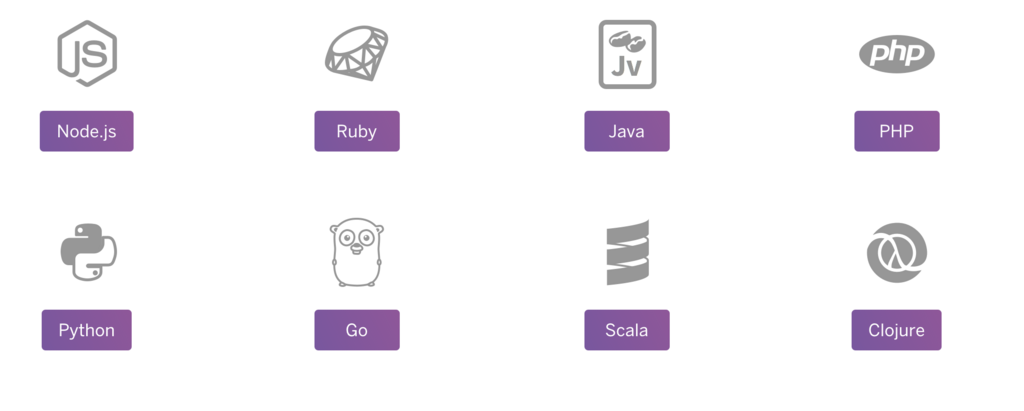
This generated code includes classes or structs for each message type, along with methods to serialize them to the binary format (e.g., SerializeToString()) and parse them back (e.g., ParseFromString()). It handles all the low-level encoding and decoding work, so you can focus on working with simple objects in your native programming language.
This combination of a clear interface definition, high-performance binary serialization, and automated code generation is what makes Protocol Buffers a cornerstone of modern, high-performance systems.
Now that you understand the data format, let's see how to define actual services.