Git and GitHub for Vibe Coding
Introduction to Git and GitHub
What Is Version Control?
Imagine you're writing an important paper. You save the first draft as final_paper.doc. Then you make some changes and save it as final_paper_v2.doc. Before you know it, your folder is a mess of files like final_paper_REALLY_final_this_time.doc.
This is a frustrating way to track changes. If you want to go back to an earlier idea, you have to hunt through old files. If you're working with a partner, you end up emailing files back and forth, trying to merge your changes without overwriting each other's work.
Version control systems (VCS) solve this problem. A VCS is like a time machine for your project. It keeps a complete history of every change made, who made it, and why. This makes it easy to revert to a previous version, compare changes over time, and collaborate with others without chaos.
Version control system
noun
A system that records changes to a file or set of files over time so that you can recall specific versions later.
Git: Your Personal Time Machine
Git is the most popular version control system in the world. It was created by Linus Torvalds, the same person who created the Linux operating system. He needed a tool to help manage a huge project with thousands of contributors, and Git was the result.
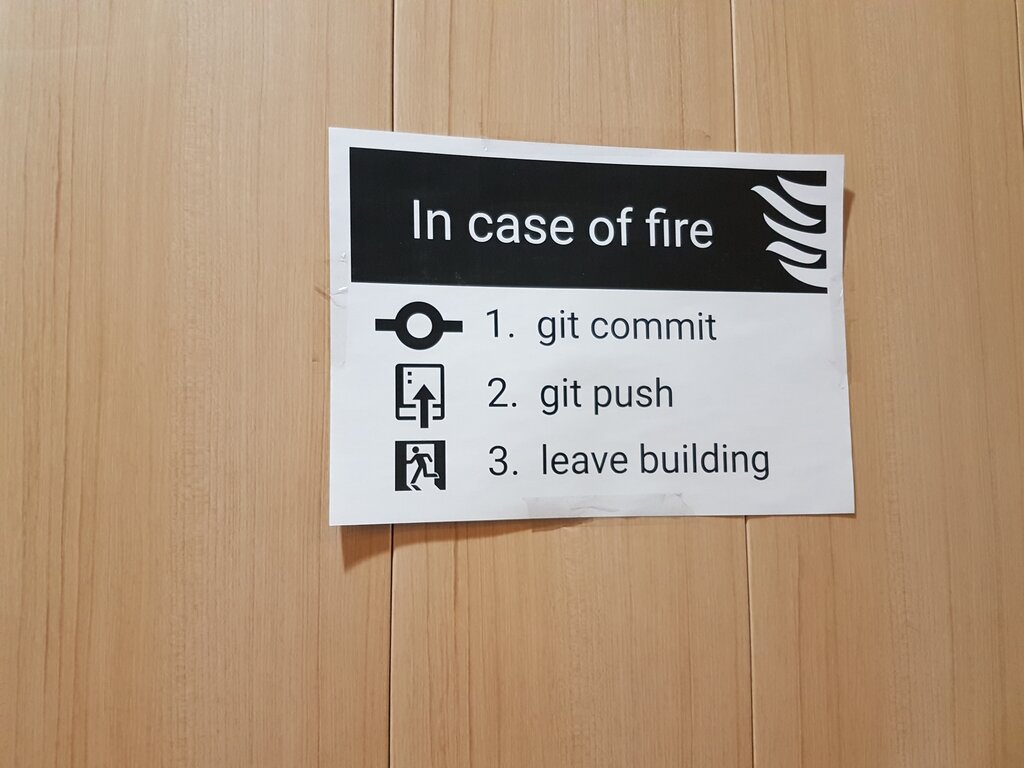
Think of Git as a program that runs on your computer. It watches a project folder and saves snapshots of your files every time you tell it to. These snapshots are called "commits." Each commit is a complete record of the project at a single point in time. Because Git runs locally on your machine, you can track your work even when you're offline.
GitHub: The Town Square for Code
If Git is the tool for tracking changes on your own computer, GitHub is the place where you store your projects and collaborate with others. GitHub is a website that hosts Git repositories (a repository is just a project that Git is tracking).
Using GitHub, you can upload a copy of your local Git repository for the world to see, or keep it private. It allows other people to view your code, suggest changes, and contribute to your project. It's a social network for developers, a portfolio for your work, and a powerful collaboration tool all in one.
Git is the tool. GitHub is the service that hosts projects using that tool.
Many people confuse Git and GitHub, but they are two distinct things. You can use Git without ever touching GitHub. But GitHub needs Git to function. It's like the relationship between email and Gmail. Email is the underlying protocol, while Gmail is a popular service that uses it.
| Feature | Git | GitHub |
|---|---|---|
| What it is | A software tool | A web-based service |
| Where it runs | Locally on your computer | In the cloud (on the internet) |
| Main Purpose | To track changes and manage project history | To host repositories and facilitate collaboration |
Why Bother?
Learning Git and GitHub is a fundamental skill for anyone in software development. It allows teams to work on the same project without stepping on each other's toes. Each developer can work on new features in a separate branch, and then merge their changes back into the main project when they're ready.
It also provides a safety net. If you introduce a bug, you can easily look at the history, find out what changed, and revert back to a working version. For new developers, a GitHub profile acts as a modern resume, showcasing your projects and contributions to the open-source community.
Git and GitHub are important tools for modern software development, enabling version control, collaboration, and efficient code management.
Understanding these tools is the first step toward working more efficiently, collaborating effectively, and becoming part of the global developer community.