Git and GitHub Essentials
Introduction to Version Control
What is Version Control?
Think about writing a long school paper. You might save different drafts as you go: paper_draft1.doc, paper_draft2_with_edits.doc, and paper_final_for_real.doc. This is a basic, manual form of version control. You're saving snapshots of your work so you can go back to an older version if you make a mistake.
A Version Control System (VCS) automates this process. It’s a tool that tracks and manages changes to files over time. Instead of just saving a file, you “commit” a version with a short message describing what you changed. The VCS stores this history, allowing you to view past versions, compare changes, and revert to an earlier state if needed.
In software development, where a project can have thousands of files and dozens of contributors, a VCS is not just helpful—it's essential. It allows teams to work together on the same codebase without overwriting each other's work.
From Manual to Modern
Before automated systems, developers often managed code by manually copying files or using shared network drives. This was messy and prone to error. Someone might accidentally delete a critical file or overwrite a colleague's recent changes.
The first major improvement was the Centralized Version Control System (CVCS). In this model, all the versioned files live on a single central server. Developers “check out” files from this server to work on them and then “check in” their changes. Popular examples include Subversion (SVN) and Perforce.
The main weakness of a CVCS is its single point of failure. If the central server goes down, nobody can save their changes or collaborate. Everyone is blocked.
This limitation led to the rise of Distributed Version Control Systems (DVCS), like Git. In a distributed system, every developer gets a full copy, or “clone,” of the entire project repository, including its complete history. You don't just check out the latest version of the files; you mirror the entire repository.
This distributed approach has huge advantages. Developers can commit their work locally, even without an internet connection. Since everyone has a full backup, it's much harder to lose project history. This model also makes it easier to manage complex workflows with multiple versions of the software being developed at once.
The Benefits of Control
Using a version control system is a fundamental practice in modern software development. It provides a safety net and a collaboration framework all in one.
Complete History: A VCS gives you a detailed log of every change ever made to the project. You can see who changed what, when they did it, and why (based on their commit messages). This is incredibly useful for finding out when a bug was introduced.
Branching and Merging: One of the most powerful features of a VCS is branching. You can create a separate line of development, called a branch, to work on a new feature or fix a bug. This isolates your work from the main, stable version of the code. Once your work is complete and tested, you can merge it back into the main line.
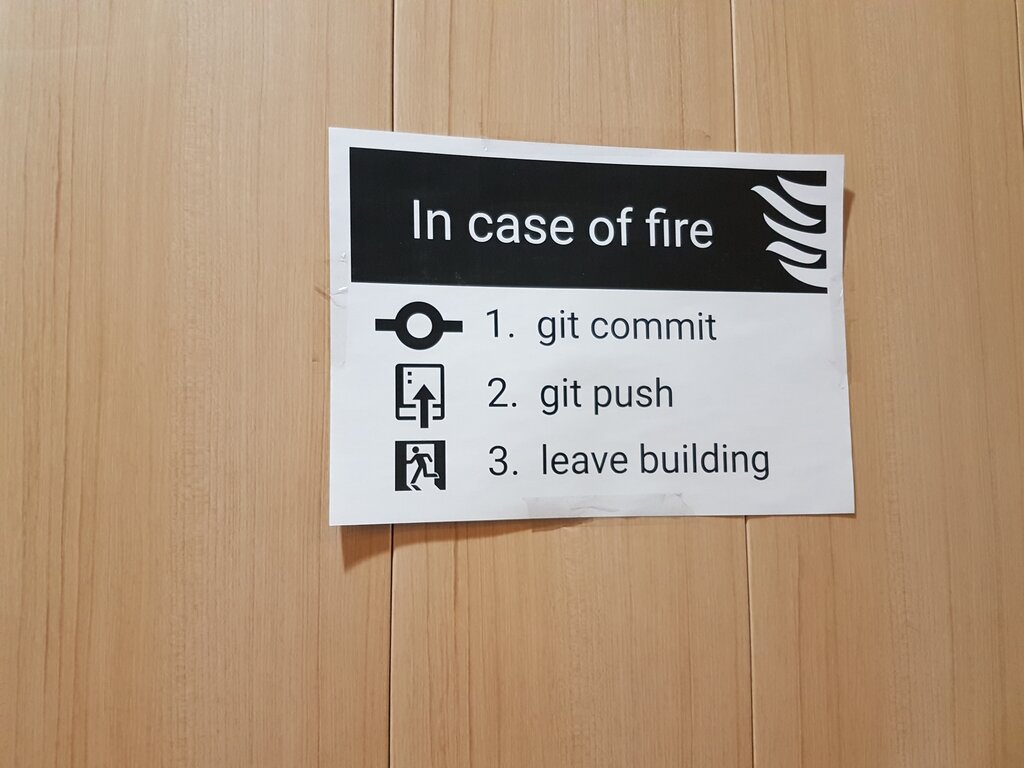
Collaboration: With a VCS, teams can work on the same project files simultaneously. The system provides tools to merge different changes together and helps identify conflicts when two people edit the same line of code.
Git is an open-source distributed version control system that helps developers manage and track changes to their code over time.
Version control is the bedrock of modern, collaborative software development. It enables teams to move faster, experiment safely, and build more reliable software.
What is the primary function of a Version Control System (VCS)?
In a Centralized Version Control System (CVCS), the complete history of the project is stored on each developer's individual computer.