Front-End Frameworks for Agent-Leveraged Software
Introduction to Front-End Development
Building What You See
Front-end development is all about the part of a website or application that you, the user, see and interact with. Think of a website as a restaurant. The front-end is everything the customer experiences: the decor, the menu, the tables, and the friendly server who takes your order. It’s the user interface.
The back-end, in contrast, is the kitchen. It’s where the food is prepared, dishes are washed, and all the behind-the-scenes work happens to make the restaurant function. Users don't see the kitchen, but without it, there's no meal.
A front-end developer’s job is to take a design and build it into a living, breathing website. They are the builders who construct the dining room, ensuring it not only looks good but is also easy for customers to navigate.
Frontend developers translate user needs, design mockups, and system logic into responsive, accessible, and intuitive experiences.
Designing for People
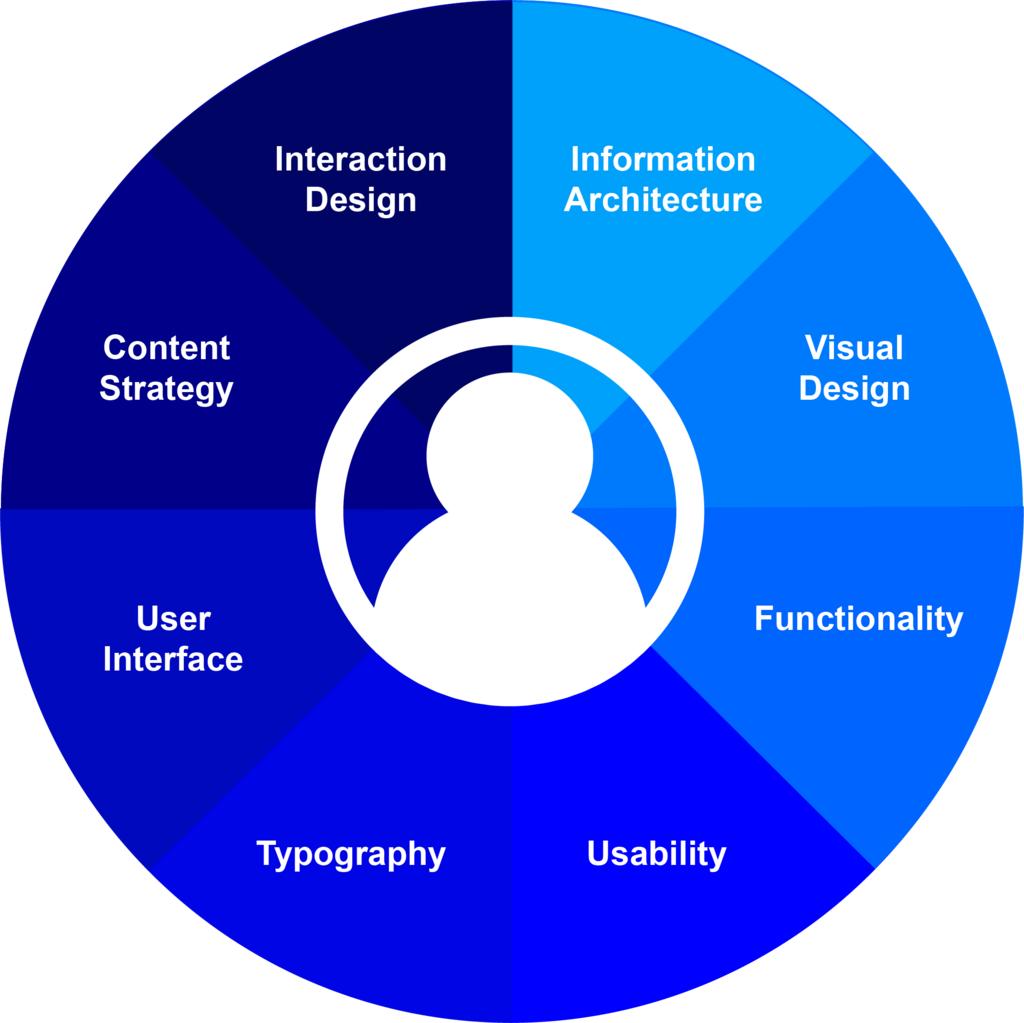
Before a single line of code is written, a lot of thought goes into how the website will feel to use. This is where User Experience (UX) and User Interface (UI) design come in.
User Experience (UX) is the overall feeling a person has while using a product. Is it easy to find what you're looking for? Is the checkout process smooth or frustrating? Good UX makes an application feel intuitive and effortless.
User Interface (UI) is the specific set of visual elements a person interacts with. This includes buttons, menus, forms, and the overall layout of the page. UI is about the look and feel—the aesthetics and presentation.
UX is the journey, and UI is the vehicle. A great front-end developer understands that their work is to serve both. The most beautiful button (UI) is useless if the user can't figure out what it does (UX).
The Three Core Technologies
Every website you visit is built with three fundamental technologies working together: HTML, CSS, and JavaScript. A simple way to think of them is like building a human body.
HTML (HyperText Markup Language) is the skeleton. It provides the basic structure and content of a page. It tells the browser what each piece of content is—a heading, a paragraph, an image, a link.
<!-- This is the structure -->
<h1>Welcome to my website!</h1>
<p>This is a paragraph of text.</p>
<button>Click Me</button>
CSS (Cascading Style Sheets) is the clothing and appearance. It takes the structured HTML and makes it look good. CSS controls colors, fonts, spacing, and the layout of elements. It's the difference between a plain text document and a beautifully designed webpage.
/* This is the styling */
h1 {
  color: navy;
  font-size: 24px;
}

button {
  background-color: skyblue;
  padding: 10px;
}
JavaScript (JS) is the muscles and brain. It adds interactivity and functionality to the website. When you click a button and a menu appears, submit a form, or see an animated graphic, that's JavaScript at work. It turns a static page into a dynamic application.
// This adds interactivity
const button = document.querySelector('button');

button.addEventListener('click', () => {
  alert('Button was clicked!');
});
To summarize: HTML provides the structure, CSS handles the presentation, and JavaScript makes it interactive.
Building Smarter with Frameworks
As websites became more complex, developers needed ways to build them faster and more efficiently. This led to the creation of front-end frameworks.
A framework is a collection of pre-written, reusable code that provides a standard structure for building applications. Think of it like a toolkit or a blueprint for a house. Instead of building every wall from individual bricks, you can use pre-fabricated sections. This saves time and helps enforce best practices, making the code easier to manage and scale.
Frameworks handle a lot of the repetitive, boilerplate tasks, allowing developers to focus on building the unique features of their application. While there are many popular frameworks, they all share the same goal: to streamline the development process and make building powerful, interactive web applications more manageable.
Now, let's test your understanding of these core concepts.
Using the restaurant analogy, what does the 'front-end' of a website represent?
Which of the following best describes the difference between User Interface (UI) and User Experience (UX)?
Understanding these pieces—the role of the developer, the focus on the user, the core technologies, and the tools that make development easier—gives you a solid foundation in front-end development.