Foundations of Digital Logic Design
Number Systems
The Language of Computers
We think and count in the decimal system, also known as base-10. It uses ten digits (0 through 9). The position of each digit in a number tells us its value. For example, the number 472 is really just a shorthand for . Each place represents a power of 10.
Computers work differently. Their world is built on tiny electronic switches that can be in one of two states: on or off. This two-state system is represented by the binary number system, or base-2. It only uses two digits: 0 (off) and 1 (on). Every piece of information in a computer, from this text to a complex video game, is stored as long strings of these ones and zeros.
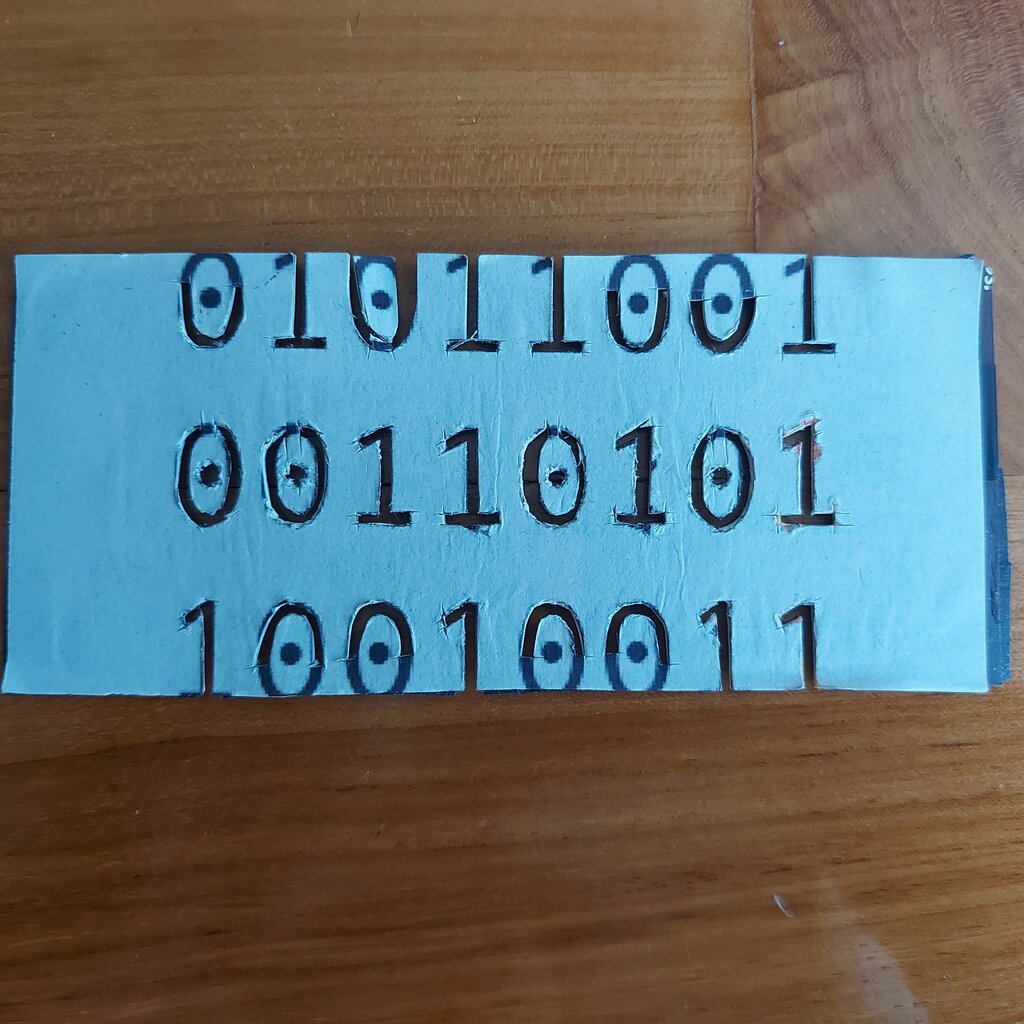
Just like in decimal, the position of a digit in a binary number matters. Each position represents a power of 2. So, the binary number 101 isn't one hundred and one. It's , which adds up to , or 5 in our decimal system.
Helpful Shorthands
Long strings of binary are hard for humans to read and work with. Imagine trying to debug a program by staring at a screen full of 1011010111001101. To make things easier, we often use other number systems as a compact way to represent binary code.
Two common ones are octal (base-8) and hexadecimal (base-16). Octal uses digits 0-7. Hexadecimal is a bit different. Since it needs 16 digits, it uses 0-9 and then the letters A, B, C, D, E, and F to represent the values 10 through 15.
| Decimal | Binary | Octal | Hexadecimal |
|---|---|---|---|
| 0 | 0000 | 0 | 0 |
| 1 | 0001 | 1 | 1 |
| 2 | 0010 | 2 | 2 |
| 3 | 0011 | 3 | 3 |
| 4 | 0100 | 4 | 4 |
| 5 | 0101 | 5 | 5 |
| 6 | 0110 | 6 | 6 |
| 7 | 0111 | 7 | 7 |
| 8 | 1000 | 10 | 8 |
| 9 | 1001 | 11 | 9 |
| 10 | 1010 | 12 | A |
| 11 | 1011 | 13 | B |
| 12 | 1100 | 14 | C |
| 13 | 1101 | 15 | D |
| 14 | 1110 | 16 | E |
| 15 | 1111 | 17 | F |
Why these systems? Because their bases (8 and 16) are powers of 2. This creates a very simple relationship with binary. One octal digit can represent exactly three binary digits (), and one hexadecimal digit can represent exactly four binary digits (). This makes conversion a breeze.
Translating Between Systems
Converting any number to our familiar decimal system is straightforward. You just multiply each digit by its positional value (the base raised to a power) and add everything up.
For example, let's convert the hexadecimal number 1AF to decimal. Remember, A is 10 and F is 15.
To go the other way, from decimal to another base, we use division. Continuously divide the decimal number by the target base and record the remainders. The new number is the sequence of remainders, read from bottom to top. Let's convert decimal 43 to binary.
The real magic happens when converting between binary, octal, and hexadecimal. To go from binary to octal, you group the binary digits in sets of three, starting from the right. For hexadecimal, you group them in sets of four.
Binary:
10110101Group for Hex (4s):1011 0101->B 5->B5_{16}Group for Octal (3s, add leading 0):010 110 101->2 6 5->265_8
Math in a Binary World
Doing arithmetic in binary is simpler than in decimal because you only have two digits to worry about. Addition follows four simple rules:
0 + 0 = 0
0 + 1 = 1
1 + 0 = 1
1 + 1 = 0, carry the 1
Here’s how you'd add 5 (0101) and 3 (0011) in binary:
Subtraction can be done with borrowing, like in decimal, but computers use a clever trick to make it easier: complements. This method turns every subtraction problem into an addition problem.
The most common method is called 2's complement, and it's how computers represent negative numbers. To find the 2's complement of a binary number, you first find its 1's complement by flipping all the bits (0s become 1s and 1s become 0s). Then, you simply add 1.
Let's find the 2's complement for 5 (
0101):
- Flip the bits (1's complement):
1010- Add 1:
1010 + 1 = 1011So, in a 4-bit system using 2's complement,1011represents -5.
Now, if we want to calculate 7 - 5, we can instead calculate 7 + (-5). In binary, that's 0111 + 1011.
We get 10010. Since we are working with 4-bit numbers, the leading '1' is an overflow bit that gets discarded. The remaining 0010 is the binary for 2, which is the correct answer for 7 - 5. By using 2's complement, the computer's circuitry can handle both addition and subtraction using only addition logic.
Binary multiplication and division also exist. They work on principles similar to their decimal counterparts but are simplified by the fact that you're only ever multiplying or dividing by 0 or 1.
Ready to check your understanding?
What is the decimal (base-10) equivalent of the hexadecimal number ?
Why are hexadecimal and octal number systems commonly used in computing?
Understanding how computers see the world in different number systems is the first step in digital logic. These systems are the foundation for everything that comes next.