Fixing Website Formatting with HTML CSS
HTML and CSS Basics
The Blueprint of the Web
Every webpage you visit is built with HTML, which stands for HyperText Markup Language. Think of it as the skeleton that gives a site its structure. It tells the browser what kind of content is on the page, like headings, paragraphs, and images.
An HTML document has a standard structure. It starts with a declaration, <!DOCTYPE html>, which tells the browser it's an HTML5 document. Then comes the <html> element, which wraps everything else. Inside, you'll find two main parts: the <head> and the <body>.
The
<head>contains information about the page, like the title that appears in your browser tab. The<body>holds all the content you actually see on the screen.
<!DOCTYPE html>
<html>
  <head>
    <title>My First Webpage</title>
  </head>
  <body>
    <h1>Hello, World!</h1>
    <p>This is a paragraph on my first webpage.</p>
  </body>
</html>
Building with Blocks
HTML uses elements to define the parts of a page. These elements are represented by tags, which are usually written in pairs, like <p> and </p> to mark the beginning and end of a paragraph. Some common elements you'll use all the time are:
<h1>through<h6>for headings of different sizes.<p>for paragraphs.<a>for links.<img>for images.
Many elements can also have attributes, which provide extra information. For example, a link (<a>) needs an href attribute to tell the browser where to go, and an image (<img>) needs a src attribute to point to the image file.
<!-- A link to another website -->
<a href="https://www.example.com">Visit Example.com</a>

<!-- An image from a URL -->
<img src="https://example.com/image.jpg" alt="A descriptive caption">
When a browser reads your HTML file, it builds a model of the page's structure called the Document Object Model, or DOM. The DOM is like a family tree for your page, showing how all the elements are related to each other. This tree structure is what allows scripts (like JavaScript) and styling (like CSS) to find and modify specific parts of the page.
Adding Style with CSS
While HTML provides the structure, Cascading Style Sheets (CSS) provides the style. CSS is the language you use to control how your HTML elements look. This includes colors, fonts, spacing, layout, and more. If HTML is the frame of a house, CSS is the paint, wallpaper, and furniture.
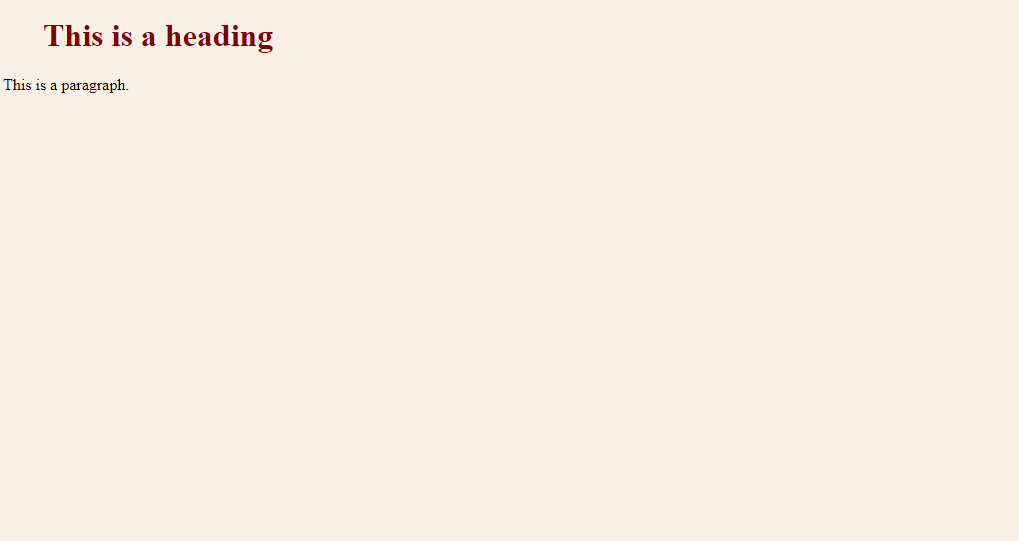
CSS works by creating rules. A rule consists of a selector and a declaration block. The selector points to the HTML element you want to style. The declaration block contains one or more declarations, each of which includes a CSS property name and a value, separated by a colon.
/* This CSS rule targets all paragraphs */
p {
  color: blue; /* Sets the text color to blue */
  font-size: 16px; /* Sets the font size to 16 pixels */
}
CSS (Cascading Style Sheets) is like the paintbrush of the web. It brings your HTML skeleton to life, adding colors, shapes, layouts, and interactivity.
How CSS Selects Elements
To style an element, you first have to select it. CSS provides several types of selectors to target elements precisely.
Element Selector: Targets all elements of a specific type. For example, h1 selects all <h1> elements.
Class Selector: Targets elements with a specific class attribute. You define a class in your HTML, like <p class="important-text">, and then select it in CSS with a period, like .important-text. Classes are great because you can apply them to many elements.
ID Selector: Targets one specific element with a unique id attribute, like <div id="main-content">. You select it in CSS with a hash symbol, like #main-content. An ID must be unique on a page.
| Selector Type | Example | Description |
|---|---|---|
| Element | p | Selects all <p> elements. |
| Class | .note | Selects all elements with class="note". |
| ID | #header | Selects the single element with id="header". |
Here's how you might use these selectors together. Imagine this is your HTML:
<h1 id="page-title">My Styled Page</h1>
<p>This is a regular paragraph.</p>
<p class="highlight">This paragraph is special.</p>
And this could be your CSS to style it:
/* Style the main title */
#page-title {
  color: navy;
  text-align: center;
}

/* Style all paragraphs */
p {
  font-family: sans-serif;
}

/* Style only the highlighted paragraph */
.highlight {
  background-color: yellow;
  font-weight: bold;
}
With these basics of HTML structure and CSS styling, you have the foundational tools to start building and designing for the web.
What does HTML stand for?
What are the two main sections found directly inside the <html> element?