ERPNext Server Setup Guide
Server Requirements
Setting the Foundation
Before you can use ERPNext to manage your business, you need a place for it to live. This home is a server, and choosing the right one is like picking the right foundation for a house. A weak foundation can cause problems down the road, while a solid one ensures everything runs smoothly and can support future growth. Your server's hardware and software directly impact how fast and reliable your ERPNext system will be.
Hardware Specifications
When it comes to hardware, there are two levels to consider: minimum and recommended. The minimum specs are just enough to get ERPNext running, suitable for testing or very small teams. The recommended specs provide a better experience, ensuring the system remains responsive as your company and data grow.
| Specification | Minimum (1-10 Users) | Recommended (10+ Users) |
|---|---|---|
| CPU | 2 vCPUs | 4+ vCPUs |
| RAM | 4 GB | 8+ GB |
| Storage | 40 GB SSD | 80+ GB SSD |
A few notes on these numbers. CPU (Central Processing Unit) cores determine how many tasks the server can handle at once. RAM (Random Access Memory) is the system's short-term memory; more RAM means a snappier experience. Finally, always opt for an SSD (Solid-State Drive) over a traditional hard drive. SSDs are significantly faster and will make a huge difference in performance.
Supported Operating Systems
ERPNext is built on the Frappe Framework, which is designed to run on a Linux-based operating system. While you might be used to Windows or macOS on your personal computer, servers often run Linux for its stability and efficiency.
The officially recommended and most commonly used operating systems for ERPNext are:
- Debian (Version 11 or newer)
- Ubuntu (Version 22.04 or newer)
Using one of these recommended versions will make installation and maintenance much easier, as most tutorials and community support are based on them. It is not recommended to run a production ERPNext instance on Windows.
Your Server Environment
The final piece of the puzzle is deciding where your server will be located. You have two main options: on-premise or in the cloud.
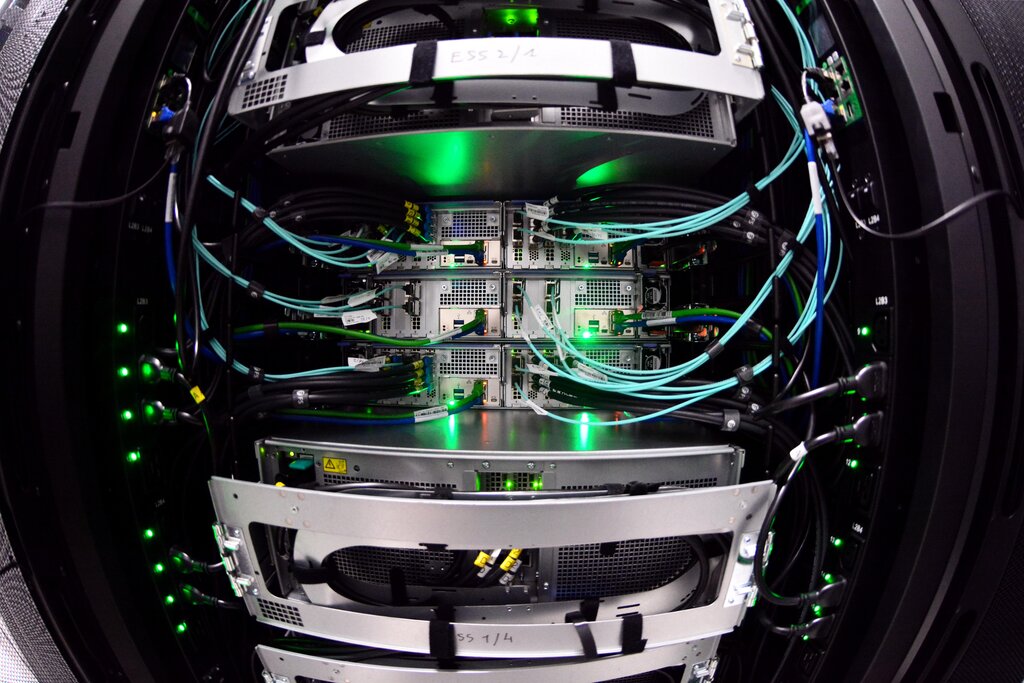
An on-premise server is a physical machine that you own and manage in your own office or a local data center. This gives you complete control over the hardware and data. However, it also means you're responsible for maintenance, security, power, and internet connectivity. The initial cost can be higher due to purchasing the hardware upfront.
A cloud server, on the other hand, is hosted by a third-party provider like Amazon Web Services (AWS), Google Cloud, or DigitalOcean. You rent computing resources from them instead of buying a physical machine. This approach is flexible, allowing you to easily scale your resources up or down as your needs change. You don't have to worry about physical hardware maintenance, but there is a recurring monthly cost.
The choice between on-premise and cloud hosting comes down to a trade-off: control versus convenience. On-premise offers maximum control, while the cloud offers maximum convenience and scalability.
Now that you understand the requirements, let's test your knowledge.
Why is choosing the right server for ERPNext compared to building a house's foundation?
What is the primary advantage of using an SSD (Solid-State Drive) over a traditional hard drive for an ERPNext server?
With the right server foundation in place, you're one step closer to getting your ERPNext system up and running.