Digital Security Essentials
Understanding Digital Security
What Is Digital Security?
Think of digital security like locking the doors to your house. You wouldn't leave your front door wide open for anyone to walk in, and you shouldn't leave your online accounts unprotected either. Digital security is the practice of protecting your information, devices, and digital identity from unauthorized access or harm.
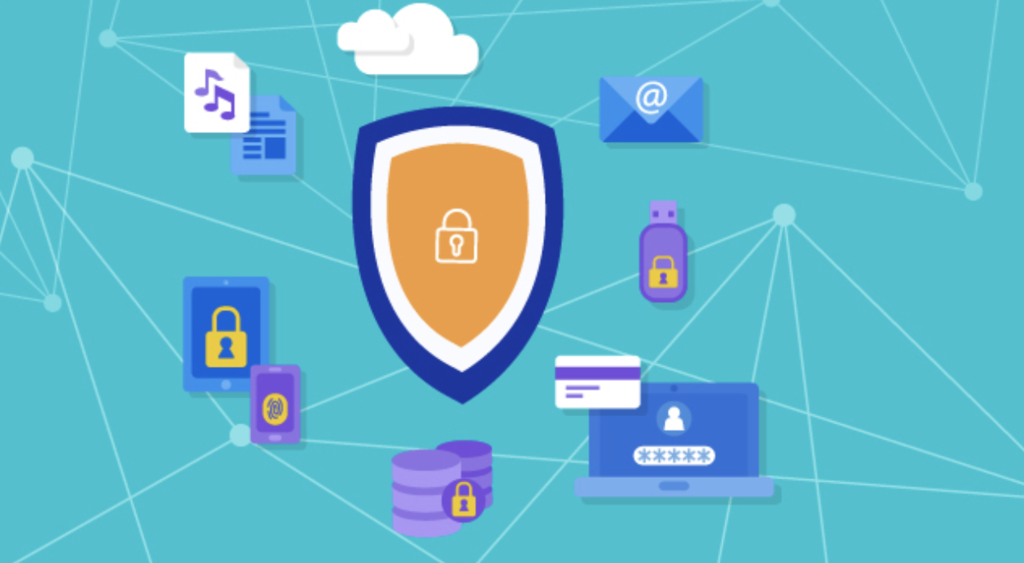
Every day, we share personal details online, from our email address to our credit card numbers. This information is valuable, not just to us, but to people who might want to misuse it. Good digital security acts as a shield, keeping your private data safe in the vast, interconnected world of the internet.
Common Online Threats
To protect yourself, you first need to know what you're up against. While the internet offers incredible opportunities, it also has its share of dangers. Let's look at a few of the most common threats you're likely to encounter.
Phishing
noun
A type of scam where attackers impersonate reputable companies to trick you into revealing personal information, such as passwords or credit card numbers.
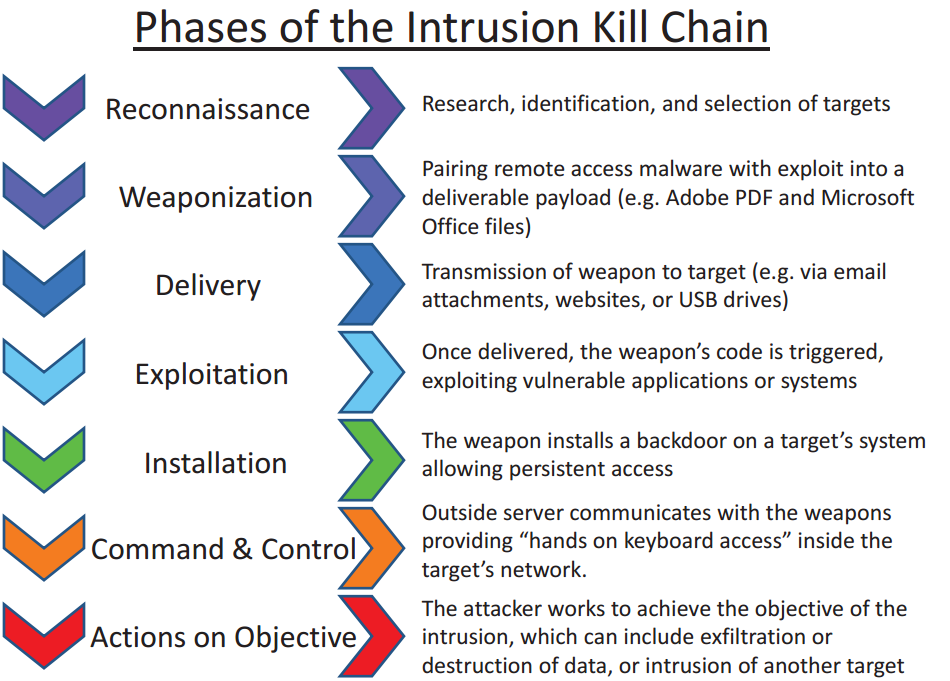
Phishing attacks often arrive as emails or text messages that look legitimate. For example, you might get an email that seems to be from your bank, asking you to click a link to verify your account details. That link, however, leads to a fake website designed to steal your login credentials.
Another common threat is malware, short for malicious software. This is any software intentionally designed to cause damage to a computer, server, or network. Viruses, spyware, and ransomware are all types of malware. It can steal your data, slow down your device, or lock you out of your files entirely.
Finally, there’s unauthorized access. This is when someone gains entry to your account or device without your permission. This can happen if they guess your password, exploit a software vulnerability, or trick you with a phishing scam. Once inside, they can access your personal files, send messages pretending to be you, or steal your identity.
Your First Line of Defense
Your strongest and most immediate tool against these threats is a strong password. Think of it as the key to your digital home. A weak, easy-to-guess password is like leaving your key under the doormat. A strong password, on the other hand, is like a complex, unique key that only you can use.
So what makes a password strong? Three things: length, complexity, and uniqueness.
- Length: Longer is always better. Aim for at least 12 characters.
- Complexity: Use a mix of uppercase letters, lowercase letters, numbers, and symbols (like !, @, or #).
- Uniqueness: Never reuse passwords across different websites. If one account is compromised, attackers won't be able to access your others.
| Weak Password | Strong Password |
|---|---|
| password123 | J@mp!ngZebra#42 |
| ilovepizza | p1zzA-L0v3r-EVER! |
| 12345678 | 9$F#k&8^z@qP |
Passwords are the primary authentication method online, but even with password policies and meters, users still find it hard to create strong and memorable passwords.
Proving You're You
Using a password to log in is a form of authentication, which is the process of verifying your identity. It's how a website knows you are who you say you are. Passwords fall into a category of authentication known as "something you know."
But this is just one piece of the puzzle. To create even stronger security, services often layer different types of authentication. The other main categories are:
- Something you have: This refers to a physical object in your possession, like your smartphone (to receive a code) or a dedicated security key.
- Something you are: This involves biometrics, using a unique physical trait like your fingerprint, face, or voice.
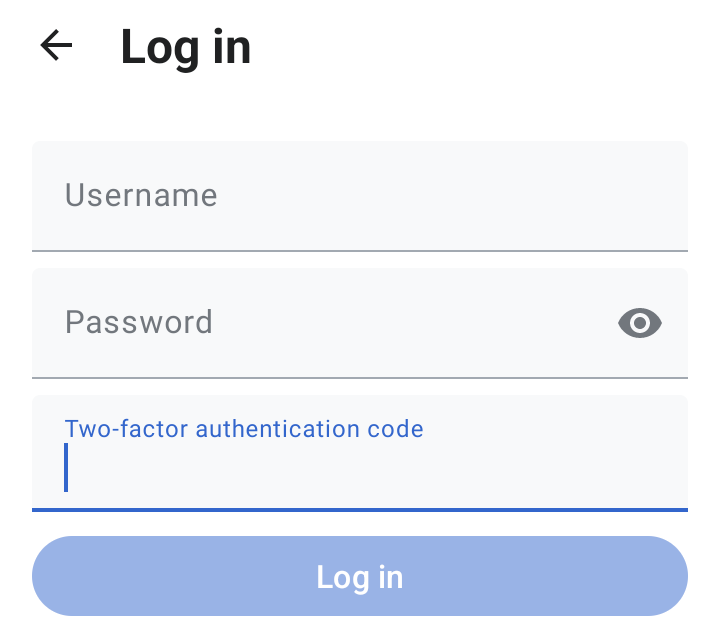
When you combine two or more of these methods, you create a much more secure barrier against intruders. We'll dive deeper into this concept, known as two-factor or multi-factor authentication, in a later section.
Now that you understand the basics of digital security, you're ready to start building a stronger defense for your online life. Knowing the threats and the tools available to counter them is the first and most important step.
Ready to check your knowledge? Let's see what you've learned.
What is the primary purpose of digital security?
An attack where a scammer sends a deceptive email that looks like it's from a legitimate company to trick you into revealing personal information is called ____.
Understanding these core concepts is the foundation of staying safe online. In the next section, we’ll explore tools that make managing strong, unique passwords much easier.