DevOps Networking Essentials
Networking Fundamentals
Networking Models
When computers talk to each other, it's not a simple, single action. It's a series of steps, each with its own rules. To make sense of this complexity, engineers created networking models. These are like blueprints that break down the communication process into layers. Each layer handles a specific job, and only worries about talking to the layers directly above and below it.
The most famous conceptual model is the Open Systems Interconnection (OSI) model. It has seven layers and is a great way to understand the theory of how data moves from one application to another across a network.
While the OSI model is great for theory, the real world mostly runs on a simpler, four-layer model: the TCP/IP model. It's the practical framework that the internet is built on. It maps directly to the functions of the OSI model, but combines some of its layers.
Addresses on the Network
For devices to find each other on a network, they need unique addresses, much like houses on a street. On a TCP/IP network, this is the IP address. The most common format you'll see is IPv4, which looks like four numbers separated by dots.
Example IPv4 Address:
172.16.254.1
Each of the four numbers can range from 0 to 255. This address serves two purposes: it identifies the network the device is on, and it identifies the specific device (or host) on that network.
But how does a device know which part of the IP address is the network and which part is the host? That's the job of the subnet mask. It's another set of four numbers that 'masks' the IP address to reveal the network portion. This process, called subnetting, allows you to take one large network and chop it into smaller, more manageable networks, or subnets. This is crucial for organization, security, and reducing network traffic.
| Component | Example Value | Binary Representation |
|---|---|---|
| IP Address | 192.168.1.10 | 11000000.10101000.00000001.00001010 |
| Subnet Mask | 255.255.255.0 | 11111111.11111111.11111111.00000000 |
| Network Address | 192.168.1.0 | 11000000.10101000.00000001.00000000 |
In the table above, the subnet mask 255.255.255.0 tells the computer that the first three numbers (192.168.1) identify the network. The last number (10) identifies the specific host on that network. All devices on the 192.168.1.0 subnet can talk to each other directly.
Network Hardware
You can't have a network without physical gear. Three devices form the backbone of most networks: switches, routers, and firewalls.
Switch
noun
A device that connects multiple devices together on a single local area network (LAN). It uses MAC addresses to forward data to the correct destination device.
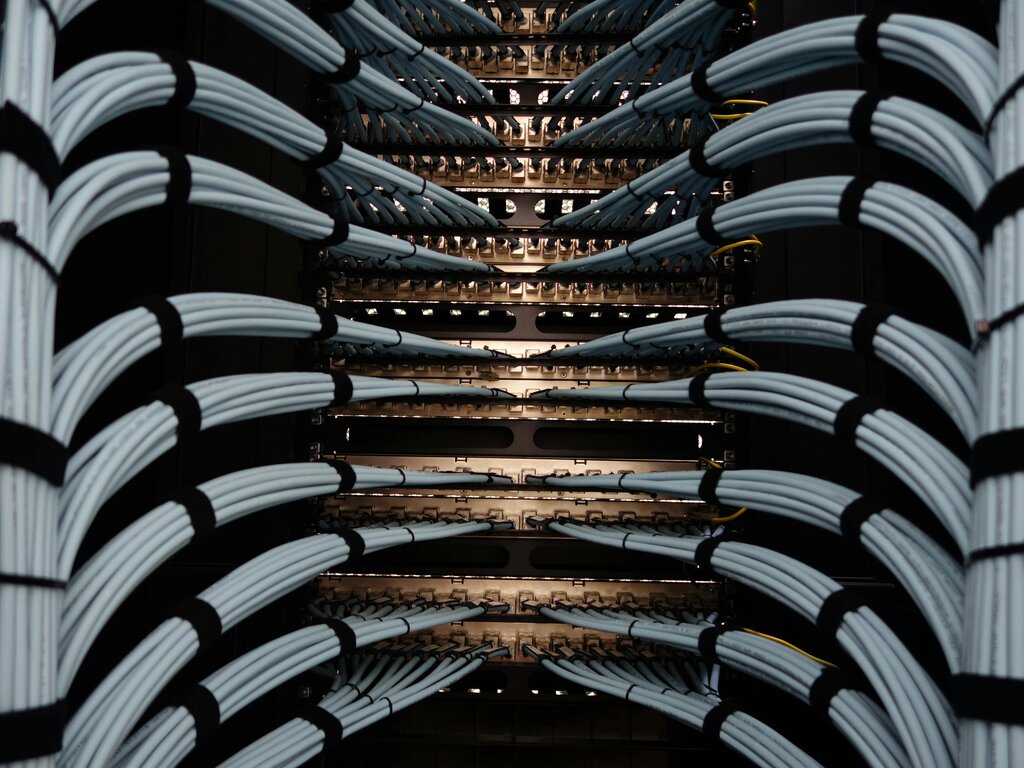
Think of a switch as a mail sorter for a single office building. It knows exactly which desk (device) each piece of mail (data packet) goes to. It operates at the Data Link layer (Layer 2) of the OSI model, meaning it doesn't care about IP addresses, only the physical MAC addresses of the devices connected to it.
Router
noun
A device that connects different networks together and forwards data packets between them. It uses IP addresses to determine the best path for data to travel.
If a switch is a mail sorter for one building, a router is the city's central post office. It directs mail between different buildings (networks). Your home Wi-Fi router, for example, connects your private home network to the massive public network of the internet. Routers operate at the Network layer (Layer 3) and make decisions based on IP addresses, figuring out the most efficient path for data to take.
Firewall
noun
A network security device that monitors incoming and outgoing network traffic and decides whether to allow or block specific traffic based on a defined set of security rules.
A firewall is the security guard for your network. It stands at the entrance and inspects every packet coming in or going out. Based on a set of rules, it can block suspicious traffic, preventing unauthorized access and cyberattacks. Firewalls can operate at several layers of the OSI model, most commonly at the Network and Transport layers, inspecting IP addresses and port numbers.
Understanding these core components—how networks are modeled, how devices are addressed, and what hardware connects everything—is the foundation for managing any networked system.
What is the primary purpose of using a layered networking model like the OSI or TCP/IP model?
A device has the IP address 172.16.50.121 and a subnet mask of 255.255.255.0. Which part of the IP address identifies the specific network this device is on?