Demystifying Wi-Fi Hacking Tools
Wi-Fi Fundamentals
The Language of Wireless
Wi-Fi feels like magic. We connect to the internet from thin air, streaming videos and sending messages without a second thought. But it's not magic, it's technology built on standards that allow devices from different manufacturers to speak the same wireless language.
At its core, Wi-Fi is just a way of sending data over radio waves. Think of it like a radio station, but instead of broadcasting music, it's sending and receiving the bits and bytes that make up websites, emails, and cat videos.
Wi-Fi: Wi-Fi is a wireless networking technology that allows devices to connect to a network without the need for cables and uses radio waves to provide high-speed internet access.
To make sure a laptop from one company can talk to a wireless router from another, they need a common set of rules. This is where the Institute of Electrical and Electronics Engineers (IEEE) comes in. They create the standards for many technologies, including the ones for Wi-Fi, which are part of a family known as IEEE 802.11.
Generations of Wi-Fi
The 802.11 standard has evolved over the years, with each new version offering improvements like faster speeds and better performance in crowded areas. You've probably seen these versions referred to by letters, like 802.11n or 802.11ac. More recently, the industry has started using simpler names, like Wi-Fi 6.
Each standard represents a leap forward in technology. The first widely adopted standard, 802.11b, was a game-changer, but it's incredibly slow by today's measures. Newer standards can handle multiple high-definition video streams at once without breaking a sweat.
| Name | Marketing Name | Max Speed | Frequency Bands |
|---|---|---|---|
| 802.11b | Wi-Fi 1 | 11 Mbps | 2.4 GHz |
| 802.11g | Wi-Fi 3 | 54 Mbps | 2.4 GHz |
| 802.11n | Wi-Fi 4 | 600 Mbps | 2.4 GHz, 5 GHz |
| 802.11ac | Wi-Fi 5 | 6.9 Gbps | 5 GHz |
| 802.11ax | Wi-Fi 6/6E | 9.6 Gbps | 2.4 GHz, 5 GHz, 6 GHz |
The jump in speed is staggering, but speed isn't the only thing that matters. The frequency band a standard uses plays a huge role in its real-world performance.
Choosing a Frequency
Most modern Wi-Fi networks operate on two main frequency bands: 2.4 GHz and 5 GHz. Think of them as different highways for your data to travel on. Each has its own strengths and weaknesses.
The 2.4 GHz band is the older, more established highway. Its radio waves are longer, which allows them to travel further and pass through solid objects like walls more easily. This gives it a longer range. However, this highway is very crowded. Many other devices, like microwaves, cordless phones, and Bluetooth speakers, also use the 2.4 GHz band, leading to a lot of interference and slower speeds.
The 5 GHz band is a newer, wider, and less congested highway. Its shorter radio waves can carry more data, resulting in much faster speeds. The downside is that these shorter waves don't travel as far and are more easily blocked by walls and other obstacles. You need to be closer to the router to get a good 5 GHz signal.
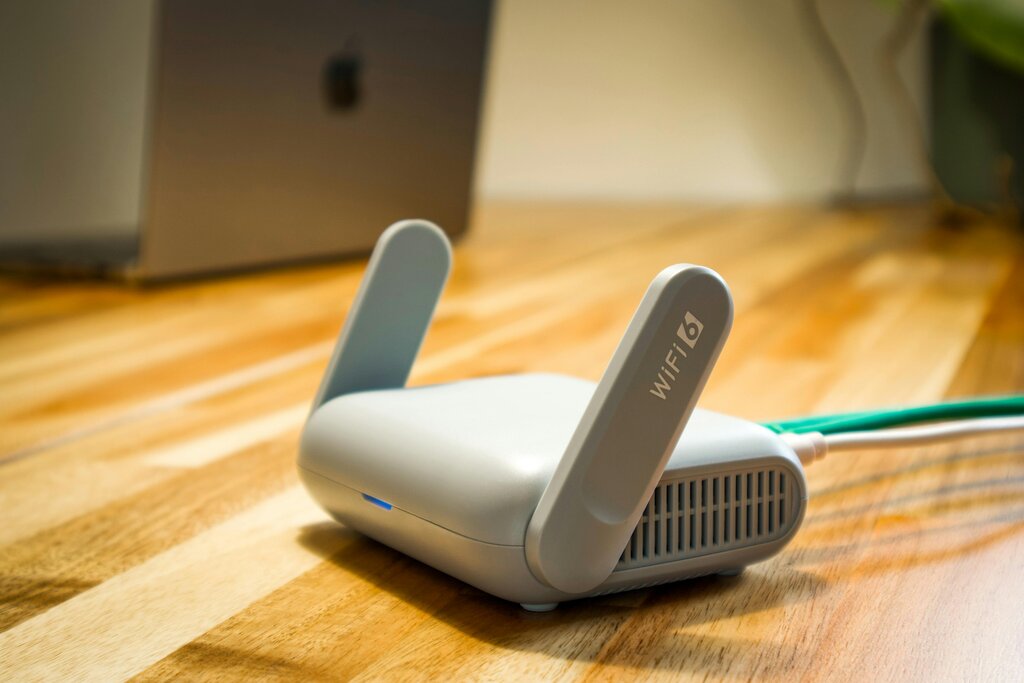
Most modern routers are dual-band, meaning they can broadcast on both frequencies at the same time. This gives you the best of both worlds. Devices that need speed and are close to the router can use the 5 GHz band, while devices that are further away or don't need maximum speed can use the more reliable 2.4 GHz band.
How Devices Talk
At the most basic level, wireless communication is about devices taking turns to talk. When you send an email, your computer first has to get the attention of the wireless router. It listens to see if the coast is clear, and if so, it sends its data. The router then acknowledges that it received the data. This back-and-forth happens millions of times a second.
This process of sending and receiving is called half-duplex. Unlike a wired connection where data can flow in both directions at the same time (full-duplex), Wi-Fi devices on the same channel must share the airtime. Only one device can transmit at a time. If two devices try to transmit at the exact same moment, their signals collide, and the data gets scrambled. They then have to wait a random amount of time before trying again.
This method is called Carrier Sense Multiple Access with Collision Avoidance (CSMA/CA). The "carrier sense" part means devices listen to the channel before transmitting. The "collision avoidance" part refers to the mechanisms they use to prevent talking over each other, like waiting a random backoff period if the channel is busy. It's a polite system of digital turn-taking that keeps the chaos of wireless communication in order.
Which organization is responsible for creating the 802.11 standards that define Wi-Fi technology?
What is the primary advantage of the 5 GHz Wi-Fi band compared to the 2.4 GHz band?
These fundamental principles govern how all our wireless gadgets connect to the internet, from our phones and laptops to our smart refrigerators. Understanding them is the first step to understanding the entire world of wireless networking.