Database Types Explained
Introduction to Databases
What Is a Database?
Think about your phone's contact list. You have names, phone numbers, and maybe email addresses, all neatly organized. When you want to call someone, you don't sift through a pile of sticky notes. You just search for their name, and the information pops up instantly. In a nutshell, that's a database: an organized collection of data that's easy to access, manage, and update.
A database is a structured set of data held in a computer, especially one that is accessible in various ways.
Databases are the invisible backbone of modern life. They power everything from social media feeds and online shopping carts to banking systems and flight reservations. Their main job is to store vast amounts of information efficiently and ensure that data is reliable and consistent.
From Filing Cabinets to Computers
Before modern databases, information was often stored in individual files on a computer, much like paper documents in a physical filing cabinet. If the sales department and the marketing department both needed customer information, they might each keep their own separate files.
This approach had serious drawbacks:
- Data Redundancy: The same customer's address might be stored in two, three, or even more different files. This wasted space.
- Data Inconsistency: If a customer moved, someone might update their address in the sales file but forget to change it in the marketing file. Now, which one is correct?
- Difficult Access: Getting a simple report, like "show me all customers in California who bought a product last month," could require a complex, custom-built program.
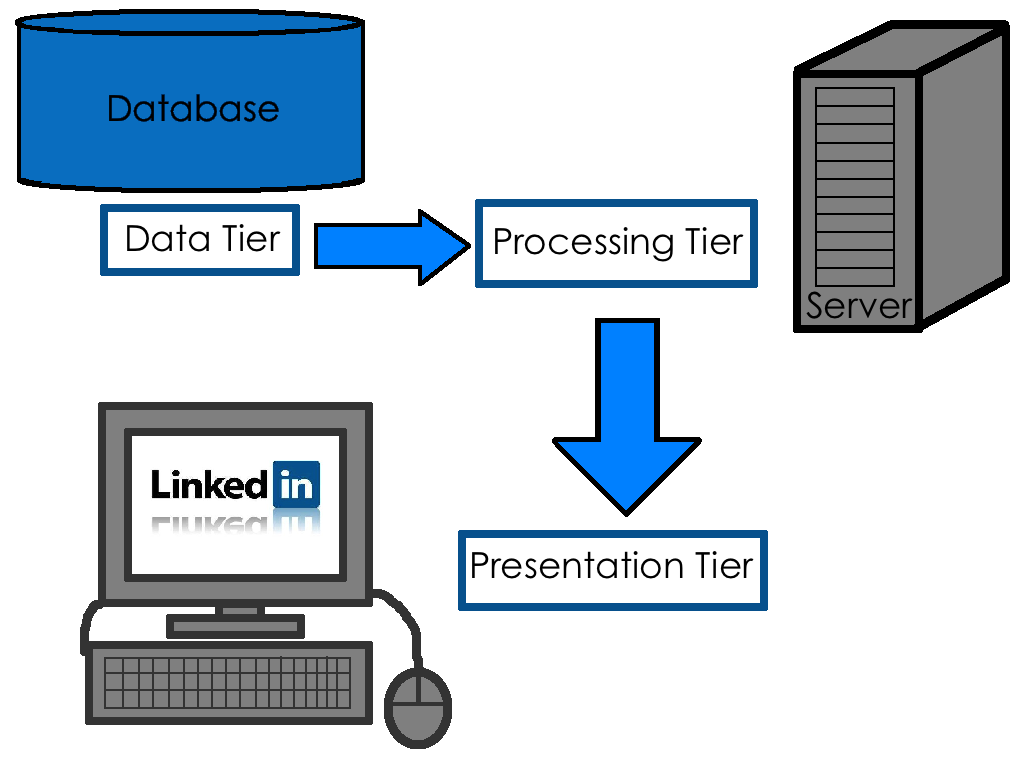
To solve these problems, the Database Management System (DBMS) was created. A DBMS is a software application that acts as an interface between the users and the database itself. Instead of directly manipulating files, you tell the DBMS what you want, and it handles the complex details of how and where the data is stored, retrieved, or updated. It ensures that data is consistent, secure, and easily accessible to all authorized users.
A Tour of Database Types
Not all data is the same, so we have different types of databases to handle different needs. The two most common categories are relational and NoSQL.
Relational Databases organize data into tables with rows and columns, much like a spreadsheet. Each table represents an entity (like "Customers" or "Products"), and the relationships between these tables are strictly defined. They are excellent for structured data where consistency is key. Think of a bank's database, where every transaction must be precisely recorded.
NoSQL (Not Only SQL) Databases are more flexible. They come in various forms and don't rely on the rigid table structure of relational databases. Some store data as documents (like a collection of résumés), while others use key-value pairs (like a dictionary). This flexibility makes them great for handling large volumes of varied or rapidly changing data, such as social media posts or data from internet-of-things sensors.
| Feature | Relational (SQL) | NoSQL |
|---|---|---|
| Data Structure | Tables with rows and columns | Varies (document, key-value, etc.) |
| Schema | Predefined and strict | Dynamic and flexible |
| Best For | Structured data, transactions | Unstructured or semi-structured data |
| Example | A banking system | A social media feed |
Other specialized types exist, like graph databases for network data (think LinkedIn connections) and object-oriented databases, but relational and NoSQL are the main players you'll encounter.
The Basic Components
Every database system, regardless of its type, generally consists of a few core components working together.
Schema
noun
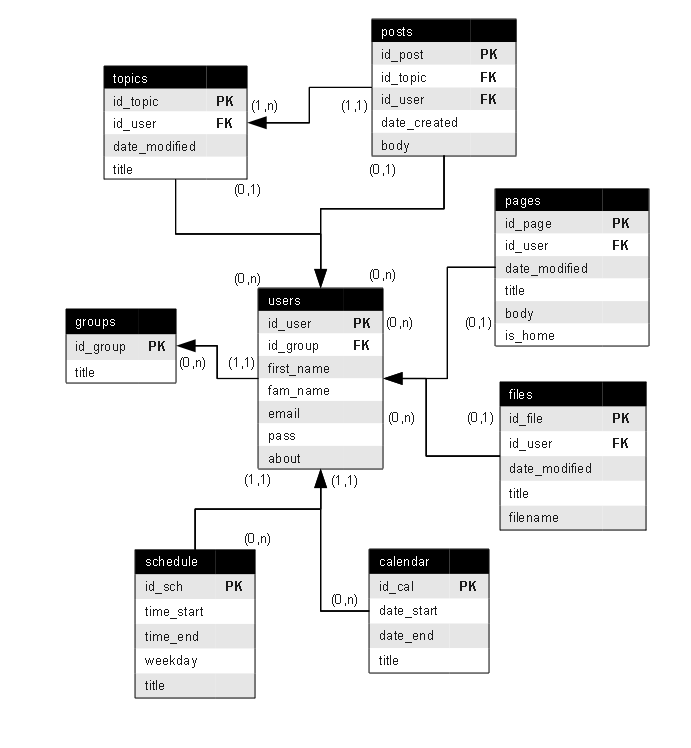
The formal description of a database's structure. It defines the tables, the fields in each table, and the relationships between fields and tables.
The schema is the architectural blueprint for the data. It lays out what information will be stored and how it will be connected. The actual information stored according to this blueprint is the data.
The DBMS is the software engine that makes everything run, managing access and ensuring data integrity. Finally, a database application is what you, the end-user, interact with. When you browse products on Amazon, you're using their database application, which in turn communicates with the DBMS to show you the products stored in the database.
And that's the big picture. Understanding these fundamentals gives you a solid foundation for exploring the specific ways we build and interact with the databases that power our digital world.