Data Server Debugging Electronics
Server Hardware Components
The Core Components
Think of a server as a highly specialized computer. At its heart is the motherboard, a large circuit board that acts as the central nervous system. It connects all the critical components, allowing them to communicate with each other. Everything plugs into the motherboard, from the processor to the storage drives. When troubleshooting, the motherboard is often where you start, checking for physical damage, loose connections, or failed onboard components.
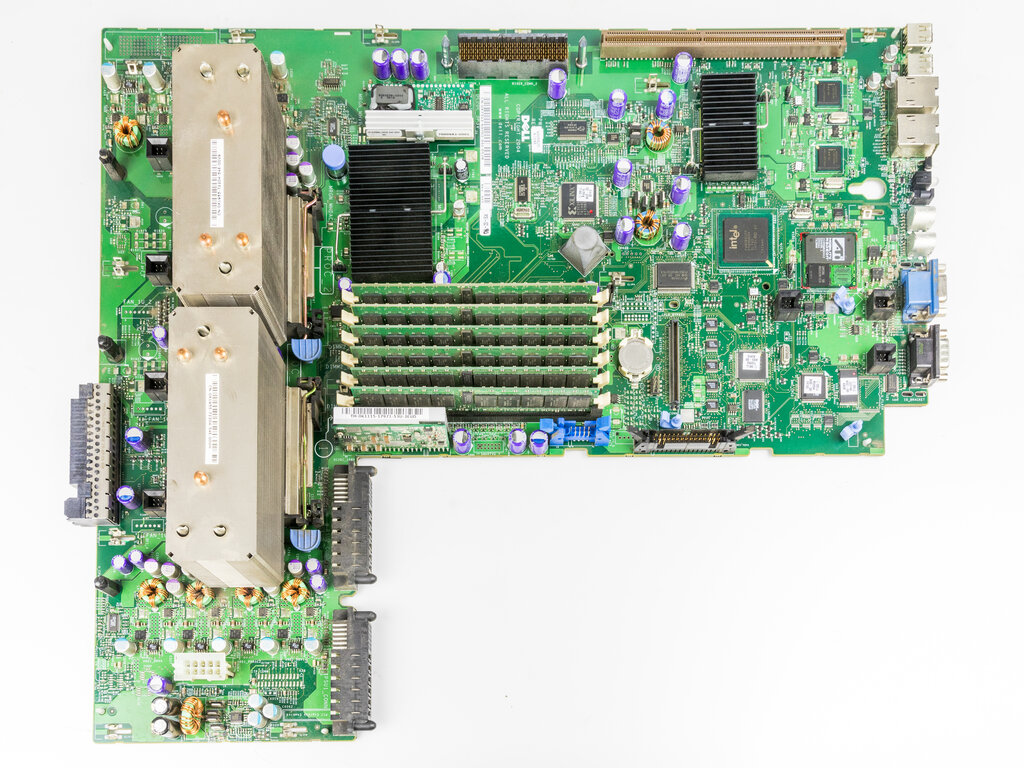
If the motherboard is the nervous system, the Central Processing Unit (CPU) is the brain. It executes instructions and performs the calculations that run applications and the operating system. Servers often have multiple CPUs, or single CPUs with many cores, to handle massive workloads simultaneously.
Central Processing Unit
noun
The electronic circuitry that executes instructions comprising a computer program. The CPU performs basic arithmetic, logic, controlling, and input/output (I/O) operations specified by the instructions.
Common CPU issues are often related to heat. If a server's cooling system fails, the CPU can overheat, leading to performance throttling or a complete shutdown to prevent damage. A dead CPU is less common but can happen, resulting in a server that won’t boot at all. Diagnostic lights on the motherboard often point to a CPU failure during the power-on self-test (POST) process.
When a server fails to POST, check the diagnostic LEDs or beep codes. They are your first clue to identifying a potential CPU or memory problem before you even open the chassis.
Memory and Storage
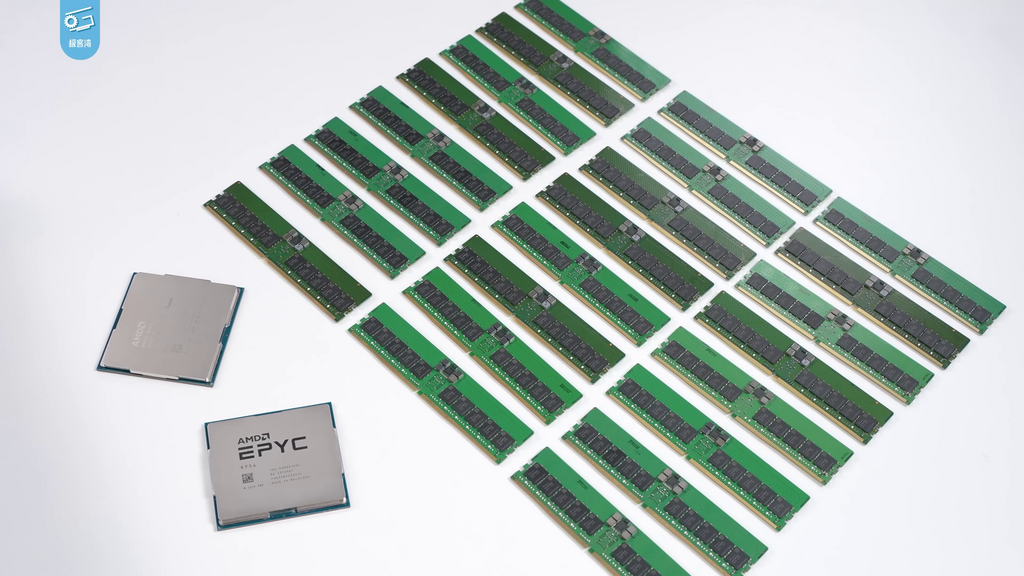
A server needs memory to function. Random Access Memory (RAM) is the server's short-term memory. It's incredibly fast, volatile storage that holds the data the CPU is actively working on. The more RAM a server has, the more data it can process quickly without having to retrieve it from slower, long-term storage.
RAM issues are a frequent cause of system instability, leading to random crashes or boot failures. A single faulty RAM module can bring down an entire system. Troubleshooting often involves testing each module individually or swapping them into known good slots to isolate the problem.
For long-term data storage, servers rely on Hard Disk Drives (HDDs) or Solid-State Drives (SSDs). HDDs are mechanical devices with spinning platters, making them cheaper for large amounts of storage but slower and more prone to physical failure. SSDs use flash memory, offering much faster data access and better reliability since they have no moving parts.
| Feature | Hard Disk Drive (HDD) | Solid-State Drive (SSD) |
|---|---|---|
| Mechanism | Spinning magnetic platters | Flash memory chips |
| Speed | Slower | Much Faster |
| Failure Mode | Mechanical (e.g., head crash) | Limited write cycles, controller failure |
| Durability | Sensitive to shock/vibration | More resistant to physical shock |
HDD failures are often mechanical. You might hear clicking or grinding sounds, which are tell-tale signs of a failing drive. SSDs, on the other hand, fail silently. They have a finite number of write cycles, and while modern SSDs are very durable, they can eventually wear out or experience controller failure, making the data inaccessible.
Power and Connectivity
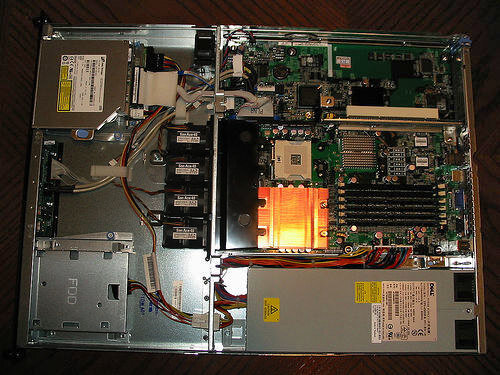
The Power Supply Unit (PSU) is the unsung hero of the server. It converts AC power from the outlet into the specific DC voltages needed by the internal components. In data centers, servers typically use redundant PSUs. If one fails, the other takes over instantly, preventing any downtime.
A faulty PSU can cause a range of confusing problems, from a server that won't turn on at all to one that randomly reboots. Many server PSUs have an external LED that indicates its health. A green light usually means it's working correctly, while an amber or unlit LED points to a problem.
Finally, the Network Interface Card (NIC) connects the server to the network, allowing it to communicate with other devices. While some NICs are integrated directly into the motherboard, high-performance servers often use dedicated cards for faster speeds and more ports.
NIC problems usually manifest as a total loss of network connectivity or intermittent connection drops. The most basic diagnostic step is to check the link lights on the port. A solid green light typically indicates a good connection, while a blinking light shows activity. No light at all often means there's no physical connection or the port/card has failed.
Now, let's test your knowledge on these core components.
Which server component acts as the central nervous system, connecting all other critical components?
A server is unexpectedly shutting down under heavy computational load, and its fans are running at maximum speed. What is the most likely cause?
Understanding these fundamental components is the first step in becoming an effective debug technician. Each piece plays a critical role, and knowing how they work together is key to diagnosing any hardware issue.