Cursor Vercel GitHub Integration
Introduction to GitHub
The Social Network for Code
Think of GitHub as a combination of a library and a social network for software developers. At its core, it’s a platform for storing, tracking, and collaborating on code projects. It uses a tool called Git to manage and store revisions of projects.
Git is the version control tool that runs on your computer. GitHub is the website that hosts your Git projects and adds collaboration features on top.
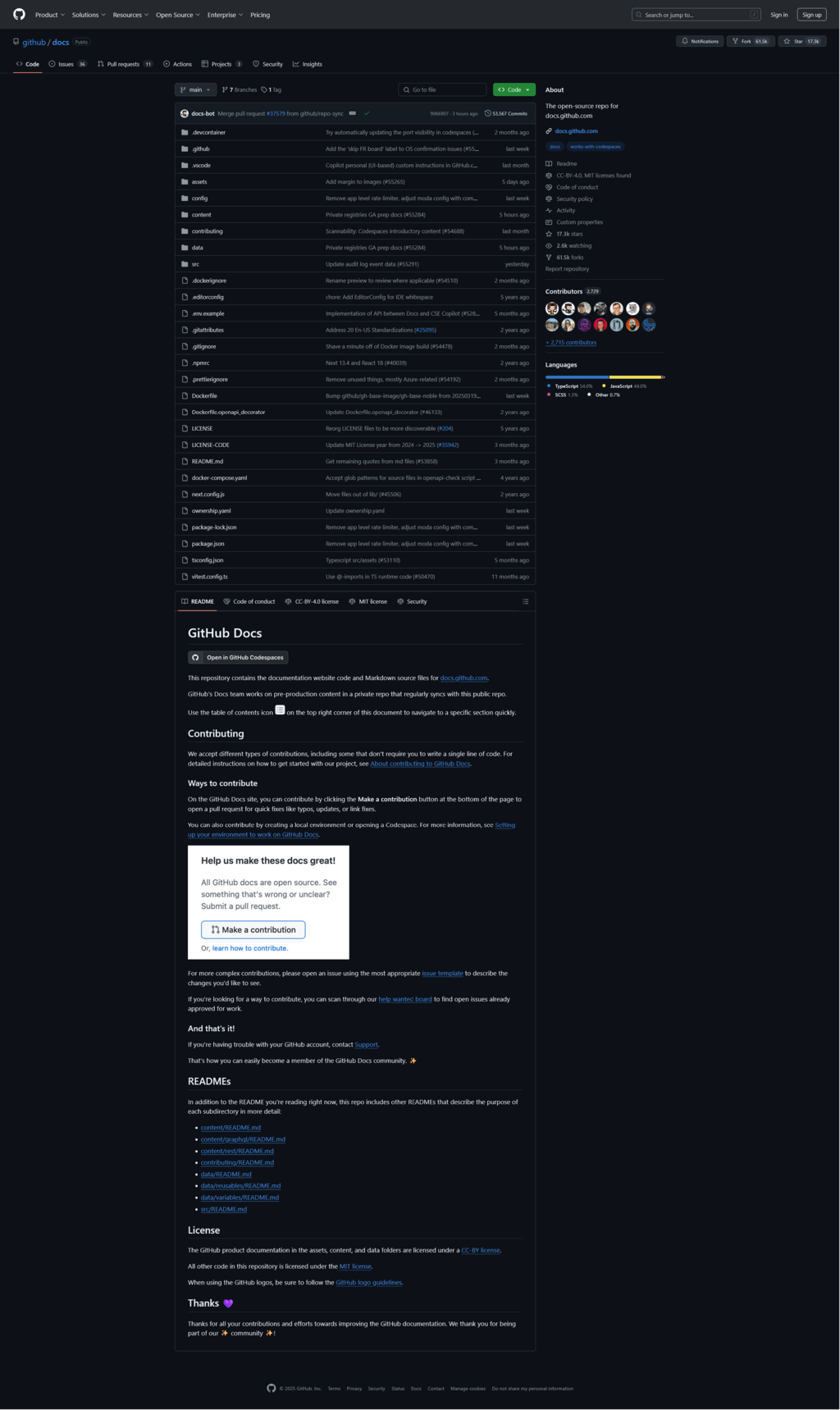
Every project on GitHub lives in a repository, which is often shortened to “repo.” A repo is just a folder for your project that contains all of its files, plus the entire history of every change ever made to those files.
Branching and Committing
The main, official version of your project in a repo is called the main branch. To avoid making mistakes on the main version, developers work on separate copies, called branches. A branch is a parallel version of the repo that lets you work on new features or bug fixes in isolation.
Once you've made some changes on your branch, you save them by making a commit. A commit is a snapshot of your files at a specific point in time. Each commit has a unique ID and a descriptive message explaining what was changed. This creates a detailed history of your project, making it easy to see who changed what and when.
You can create a new branch and switch to it with one command:
git checkout -b new-feature-branch
After editing your files, you'll stage them (prepare them for saving) and then commit them with a message.
# Stage all changed files
git add .

# Commit the staged files with a message
git commit -m "Implement user authentication"
Your commit is saved locally on your computer. To upload your branch and its commits to GitHub, you use the push command.
git push origin new-feature-branch
Collaborating with Pull Requests
After pushing your branch to GitHub, you can propose merging your changes into the main branch. This is done through a pull request, or PR. A pull request is a formal request to pull your changes into another branch.
Pull requests are the heart of collaboration on GitHub. They create a space where your team can review the new code, discuss potential issues, and suggest improvements before anything becomes part of the main project. This process is called a code review.
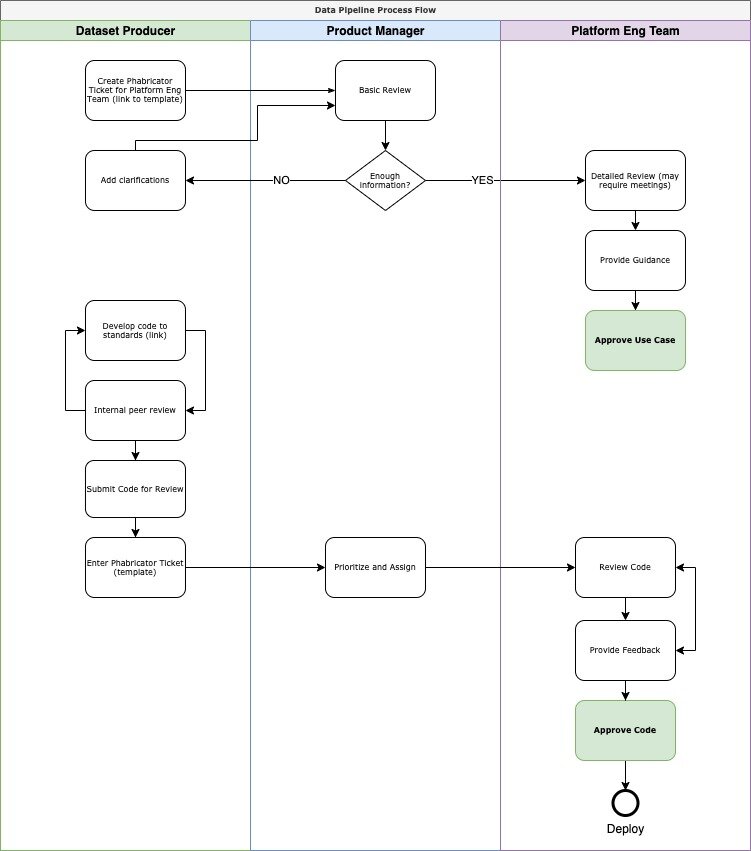
During a code review, teammates can leave comments on specific lines of code. You can make more commits on your branch to address their feedback, and these new commits will automatically appear in the pull request. Once everyone is happy with the changes and any automated checks have passed, the pull request can be merged. Merging takes all the commits from your feature branch and adds them to the main branch.
The workflow is simple: create a branch, add commits, open a pull request, collaborate with your team, and merge.
This structured process helps keep the main branch clean and functional while allowing for experimentation and teamwork in separate branches.