Computer System Components Explained
Introduction to Computer Systems
What is a Computer System?
At its core, a computer system is a machine that follows instructions. Its main job is to take in information (input), work with it (process), and then produce a result (output). Think of it like a very fast and obedient chef. You give the chef ingredients (input) and a recipe (instructions), the chef cooks (processes), and you get a finished meal (output).
This simple input-process-output cycle is behind everything you do on a computer, from typing a sentence to watching a video. The system is designed to perform these tasks billions of times per second with incredible accuracy.
Hardware and Software
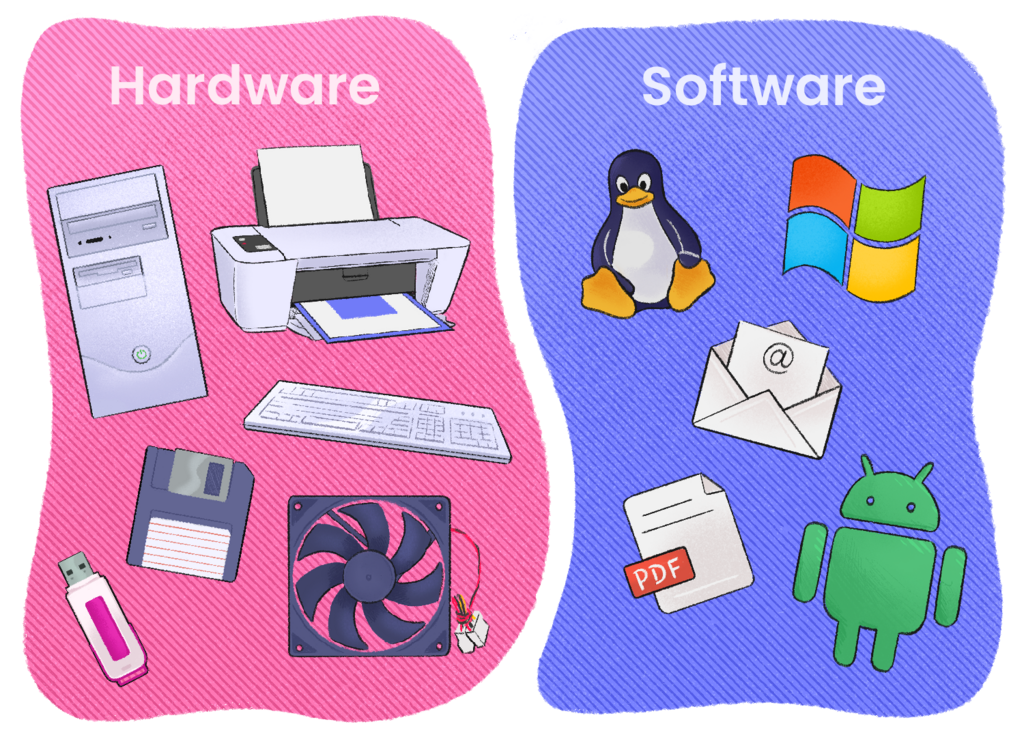
Every computer system is made of two fundamental parts: hardware and software. They work together, and one is useless without the other.
Hardware is the collection of physical parts you can see and touch. Software is the set of instructions that tells the hardware what to do.
Common hardware components include the central processing unit (CPU), memory (RAM), storage drives, and devices for input and output like your keyboard, mouse, and monitor. Software includes the operating system (like Windows or macOS) that manages all the hardware, and the applications (apps) you use, such as your web browser or a photo editor.
How It All Works Together
So how do these parts interact? Let's trace a simple action, like opening a document.
When you double-click a document icon, your mouse (input hardware) sends a signal to the computer. The operating system (software) interprets this signal as a command to open a file. The OS then directs the Central Processing Unit, or CPU—the brain of the computer—to retrieve the document's data from your storage drive (hardware where files are kept long-term).
Because storage drives are relatively slow, the data isn't worked on there. Instead, it's loaded into the computer's memory, also known as RAM (Random Access Memory). RAM is a super-fast temporary workspace. Once the document is in RAM, the CPU can quickly access it, process it through the word processing application (software), and send the final result to your screen (output hardware).
This coordinated dance between input devices, software, processor, memory, and output devices happens for every single action you take, no matter how small.
Time to see what you've learned.
What is the fundamental three-step cycle of a computer system's operation?
Which of the following is an example of software?
This is just the beginning. Understanding these basic relationships is the first step to seeing how the powerful devices we use every day actually work.