Computer Architecture Essentials
Introduction to Computer Architecture
The Computer's Blueprint
Every computer, from the smartphone in your pocket to the servers that power the internet, is built on a set of fundamental principles. This blueprint is called computer architecture. It's not about the physical case or the color of the keyboard, but about how the core components are organized and how they communicate to get work done. Think of it as the functional layout of a house, dictating where the rooms are and how they connect, rather than the brand of paint on the walls.
At its heart, a computer system has three main jobs: taking information in (input), processing it, and sending it back out (output). To do this, it relies on a few key players: the Central Processing Unit (CPU), memory, and input/output devices. These parts work together in a tightly choreographed dance to execute every command, from opening an app to playing a video.

One Memory for Everything
A breakthrough idea from the 1940s, known as the Von Neumann architecture, shaped almost every computer we use today. The concept was simple but powerful: what if the instructions a computer follows and the data it works with could be stored in the same place? Before this, instructions and data were often kept in separate, distinct physical locations.
Imagine a cookbook where each recipe (the instructions) is on one page, and the list of ingredients for that recipe (the data) is right there with it. You don't need a separate book for instructions and another for ingredients. The Von Neumann architecture does exactly this, storing both program instructions and user data in the same main memory. This flexibility allows a computer to be a general-purpose machine, capable of running a web browser one moment and a video game the next, simply by loading a different program into its memory.
This unified memory approach is the cornerstone of modern computing, allowing for the flexible, powerful devices we use every day.
The Brain of the Operation
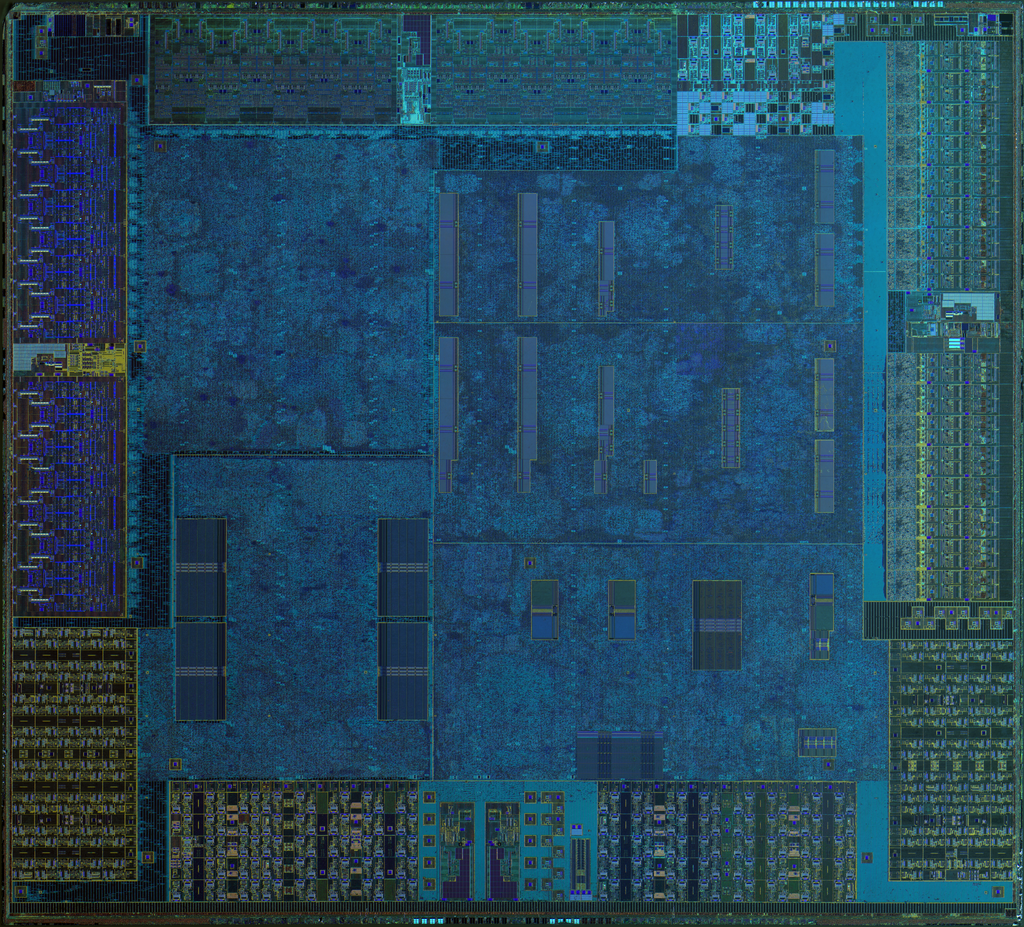
The Central Processing Unit, or CPU, is the engine that drives the computer. It executes instructions, performs calculations, and manages the flow of information. It's where the raw processing happens. The CPU itself is composed of several smaller, specialized parts, but two are most important to understand: the Control Unit (CU) and the Arithmetic Logic Unit (ALU).
The Control Unit acts like a traffic director. It fetches instructions from memory and decodes them, telling the other parts of the computer what to do and when. It doesn't perform calculations itself, but it orchestrates the components that do.
The Arithmetic Logic Unit is the calculator. It handles all the math (addition, subtraction) and logical comparisons (like determining if one number is greater than another). Every time your computer crunches numbers or makes a decision, the ALU is hard at work.
Workspace and Filing Cabinet
Computers need a place to hold the programs and data they are actively working on. This is the job of memory, most commonly Random Access Memory (RAM). You can think of RAM as the computer's short-term workspace or desk. It's extremely fast to read from and write to, which is essential for keeping up with the CPU. The more RAM a computer has, the more tasks it can juggle at once without slowing down.
However, RAM is volatile, meaning it forgets everything as soon as the power is turned off. It’s a temporary workspace, not a permanent filing cabinet. For that, computers use long-term storage devices like Solid-State Drives (SSDs) or Hard Disk Drives (HDDs). These are much slower than RAM but can hold vast amounts of data safely even when the computer is off.
Getting Information In and Out
A computer wouldn't be very useful if we couldn't communicate with it. That's where input and output (I/O) devices come in. They are the bridge between the human user and the computer's core components.
Input devices allow us to send data into the computer. The most common examples are the keyboard and mouse, but they also include microphones, webcams, and touchscreens.
Output devices are how the computer presents data back to us. The monitor you're reading this on is an output device, as are speakers, headphones, and printers.
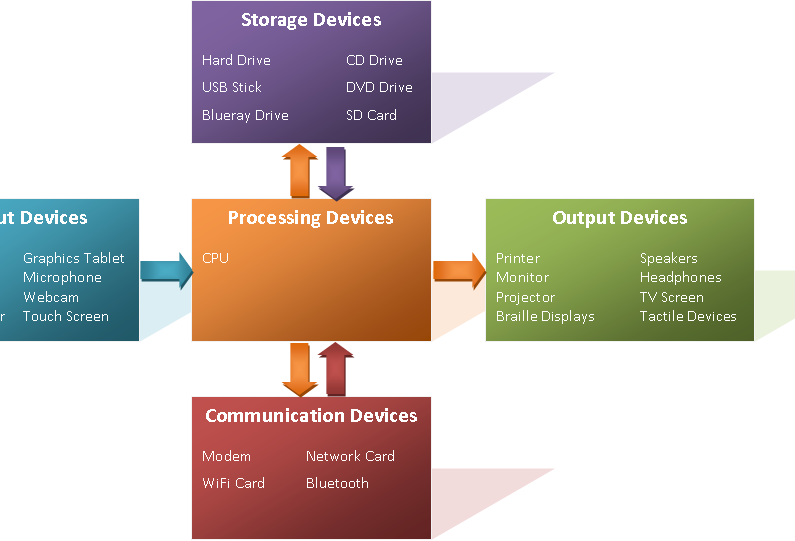
These core concepts—the CPU as the brain, memory as the workspace, I/O as the senses, and the Von Neumann architecture as the organizing principle—form the foundation of how every modern computer operates. Let's check your understanding.
What is computer architecture primarily concerned with?
What was the key innovation of the Von Neumann architecture?
These foundational pieces fit together to create the powerful and versatile machines we rely on daily.