C Systems Programming and Memory Architecture
C Syntax Fundamentals
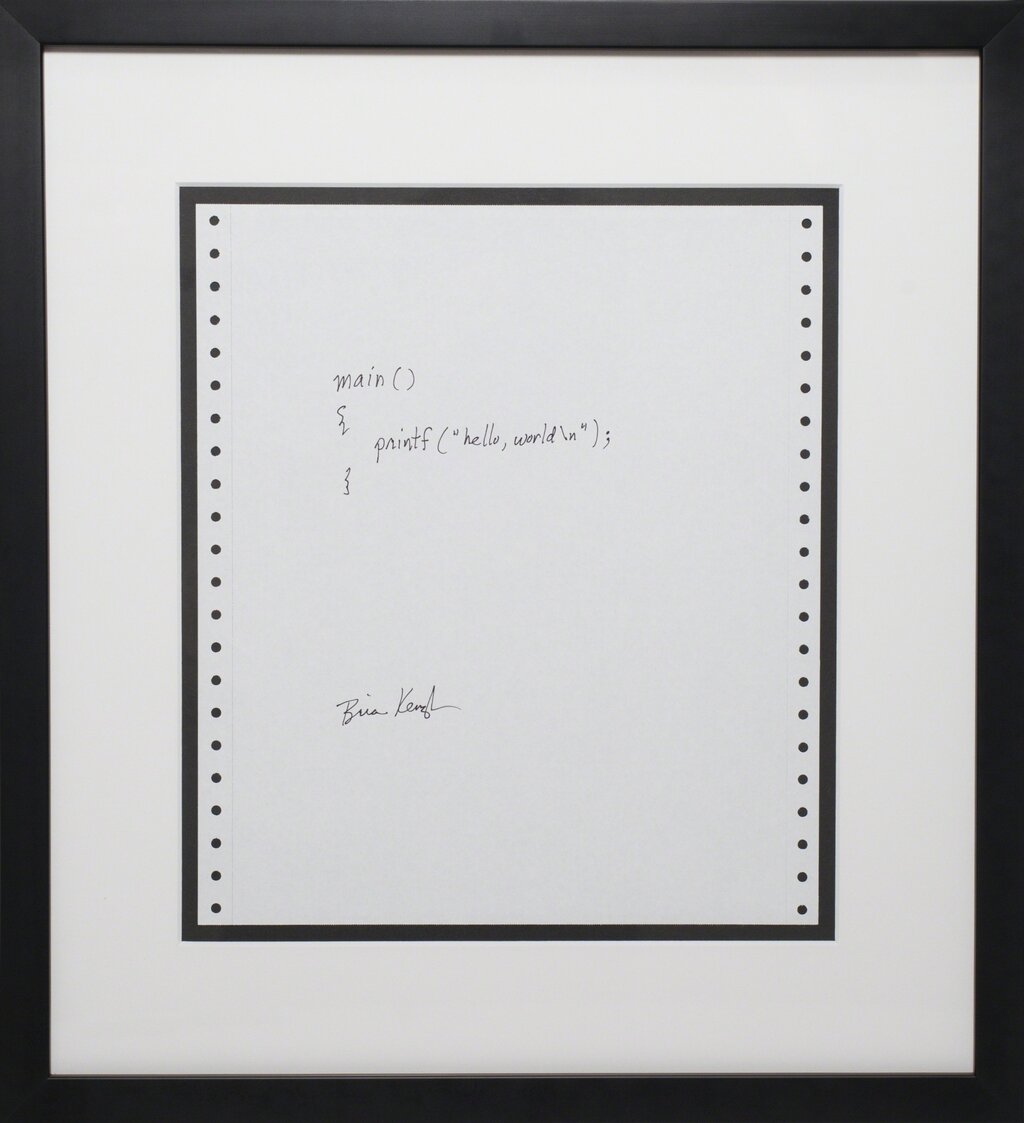
The Anatomy of a C Program
Unlike scripting languages that run line-by-line, C code is compiled into a machine-readable executable file before it can run. Every C program needs an entry point, a function named main where execution begins. The basic structure also includes preprocessor directives, like #include, which tell the compiler to pull in code from other files, such as standard libraries.
// This line includes the standard input/output library.
#include <stdio.h>

// This is the main function, where the program starts.
int main(void) {
    // printf prints formatted text to the console.
    printf("Hello, World!\n");

    // Returning 0 signals that the program executed successfully.
    return 0;
}
The int main(void) signature means the function main returns an integer (int) and accepts no arguments (void). By convention, returning 0 tells the operating system that everything went smoothly. Any other number usually signals an error.
Everything happens in sequence inside the curly braces {}. The compiler reads your code, translates it into machine instructions with the help of libraries like stdio.h, and a linker bundles it all into a single executable file.
Speaking the Language of Memory
C is a statically-typed language. This means you must declare the type of every variable before you use it, and that type cannot change. This allows the compiler to allocate the precise amount of memory needed to store the variable's value. The fundamental building blocks for this are the primitive data types.
| Type | Description | Typical Size (bytes) |
|---|---|---|
char | A single character | 1 |
int | A whole number | 4 |
float | A single-precision floating-point number | 4 |
double | A double-precision floating-point number | 8 |
The exact size of types like int can vary depending on the computer's architecture (e.g., 16-bit, 32-bit, or 64-bit systems). This can cause problems when you need your program to behave identically everywhere. Imagine an integer overflowing on one machine but not another.
To solve this, modern C programming often uses fixed-width integer types from the stdint.h header. These types, like int32_t (a 32-bit signed integer) or uint8_t (an 8-bit unsigned integer), guarantee the same size and behavior on any system.
#include <stdio.h>
#include <stdint.h> // Include the standard integer library

int main(void) {
    int32_t a_guaranteed_32_bit_integer = 123456;
    uint8_t a_positive_byte = 255;

    printf("This integer is always 4 bytes: %d\n", a_guaranteed_32_bit_integer);
    printf("This byte can hold values from 0 to 255. Current value: %u\n", a_positive_byte);

    return 0;
}
Communicating with the User
The most common way to display output and read input in C is with printf and scanf. Both functions rely on to understand the data type they're dealing with. A format specifier is a placeholder that begins with a % character.
For printf, it tells the function how to interpret and display a variable. For scanf, it specifies what kind of data to expect from the user's input.
| Specifier | Data Type |
|---|---|
%d or %i | Signed integer (int) |
%u | Unsigned integer (unsigned int) |
%f | Floating-point number (float) |
%lf | Double-precision float (double) |
%c | Single character (char) |
%s | String (a sequence of characters) |
Here's a quick example of asking a user for their age and favorite number.
#include <stdio.h>

int main(void) {
    int age;
    float fav_number;

    printf("How old are you? ");
    // The & is important! It passes the memory address of the variable.
    scanf("%d", &age);

    printf("What is your favorite number? ");
    scanf("%f", &fav_number);

    printf("You are %d years old and your favorite number is %.2f.\n", age, fav_number);
    // The .2 in %.2f formats the float to two decimal places.

    return 0;
}
Truth and Control
In many languages, conditional statements require a strict true or false boolean value. C is more flexible. For any conditional check, a value of 0 is considered false, and any non-zero value is considered true. This applies to if statements, while loops, and other control structures.
In C,
if (1),if (-10), andif ('A')are all true. Onlyif (0)is false.
Besides if-else chains, C provides the switch statement for handling a variable that could be one of several distinct integer or character values. It's often cleaner than a long series of if-else if blocks. Each case checks for a specific value, and the break keyword is crucial to prevent "fallthrough," where execution would continue into the next case.
#include <stdio.h>

int main(void) {
    char grade = 'B';

    switch (grade) {
        case 'A':
            printf("Excellent!\n");
            break; // Exit the switch
        case 'B':
            printf("Good job.\n");
            break; // Without this, it would also print "Passed."
        case 'C':
            printf("Passed.\n");
            break;
        default:
            printf("Invalid grade.\n");
            break;
    }

    return 0;
}
How does the execution of a C program differ from that of a typical scripting language?
What is the primary purpose of the #include <stdio.h> directive in a C program?
With these fundamentals, you have the core syntax needed to write simple, effective C programs. You understand how to structure a file, manage basic data types predictably, and control the program's flow.