C Programming Fundamentals for Exam Success
Introduction to C Programming
What is C?
The C programming language is one of the most influential and widely used languages of all time. Developed in the early 1970s by Dennis Ritchie at Bell Labs, C was created to build the Unix operating system. Its age might make it seem outdated, but it's still the foundation for much of the world's software.
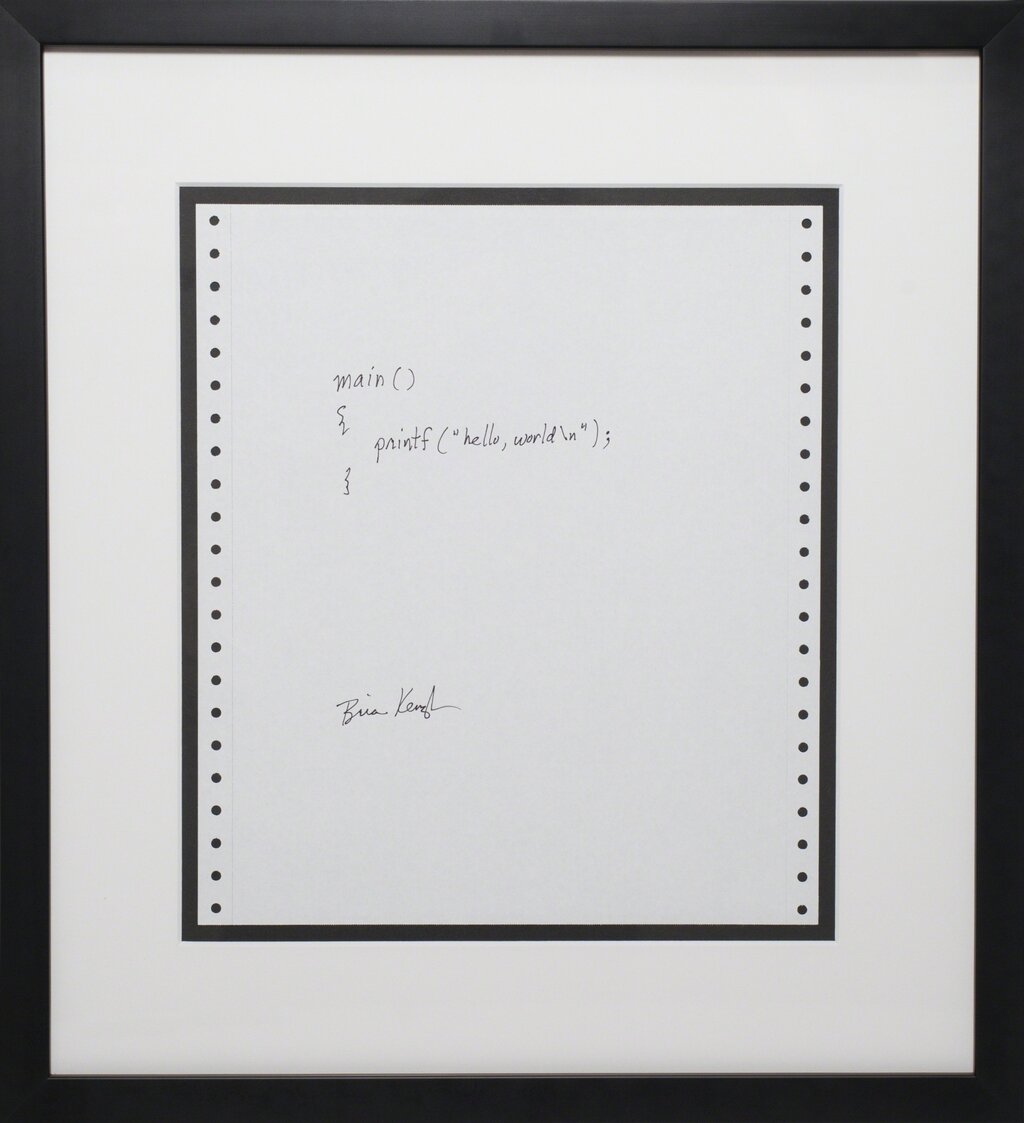
Think of it as the Latin of programming languages. It has directly influenced countless others, including C++, C#, Java, and Python. Because it's a low-level language, it gives programmers a high degree of control over a computer's memory and hardware. This makes it perfect for writing operating systems, device drivers, and software for embedded systems—the tiny computers inside everything from microwaves to cars.
C is a compiled language. This means that after you write your code, you use a special program called a compiler to translate it into machine code that a computer's processor can execute directly. This is different from interpreted languages like Python, where code is translated on the fly as it runs.
Setting Up Your Workspace
To start writing C programs, you need two basic tools: a text editor and a compiler.
-
Text Editor: This is where you'll write and edit your source code. You can use any plain text editor, like Notepad on Windows or TextEdit on Mac. However, a code editor like VS Code, Sublime Text, or Atom is a better choice. They offer features like syntax highlighting, which colors your code to make it easier to read.
-
Compiler: This is the tool that translates your human-readable C code into a machine-executable program. The most common C compiler is GCC (GNU Compiler Collection), which is free and available for most operating systems.
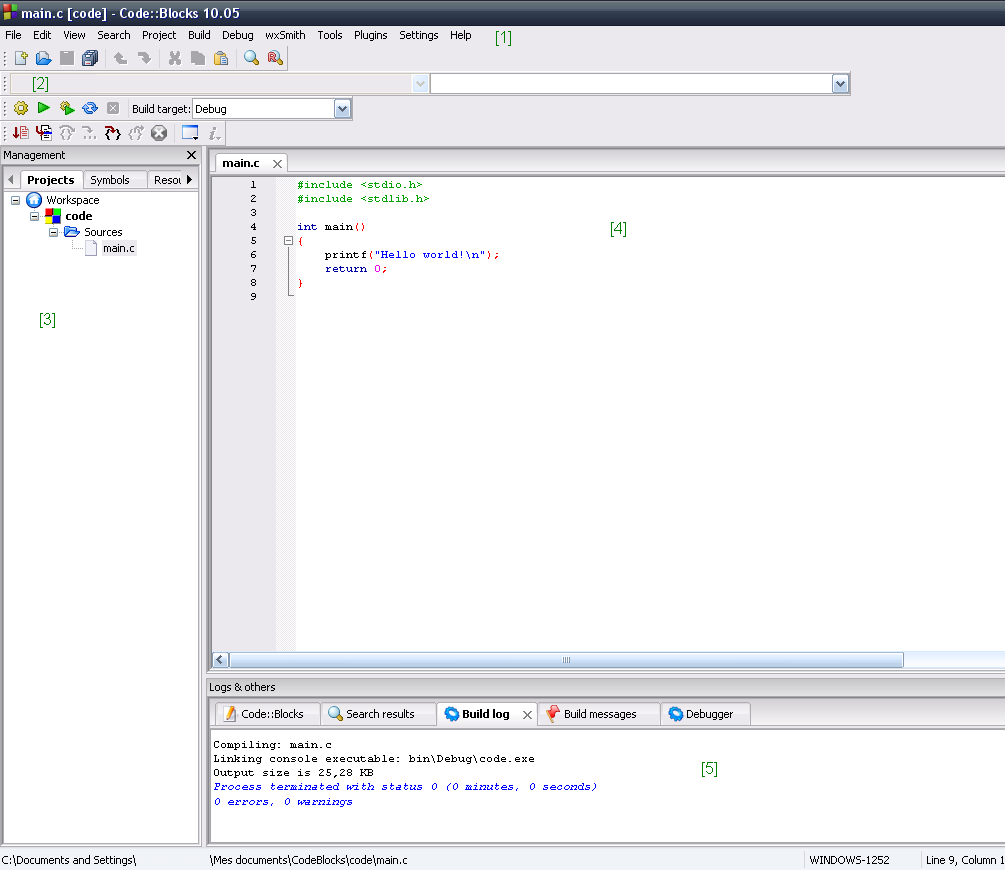
Many developers use an Integrated Development Environment (IDE), which bundles a code editor, a compiler, and other helpful tools into a single application. For beginners, an IDE like Code::Blocks or even a properly configured VS Code can simplify the process of writing, compiling, and running code.
Your First C Program
Let's write the traditional first program for any new language: "Hello, World!". It's a simple program that just prints that phrase to the screen. Create a new file named hello.c and type the following code into your text editor.
#include <stdio.h>

int main() {
    // Print the phrase "Hello, World!" to the console
    printf("Hello, World!\n");

    return 0;
}
Let's break this down line by line.
-
#include <stdio.h>: This is a preprocessor directive. It tells the compiler to include the contents of thestdio.hfile, which stands for Standard Input/Output. This file contains declarations for functions likeprintf(), which we need to display text. -
int main(): This is the main function. Every C program must have amainfunction. It's the starting point of your program; execution begins here. -
printf("Hello, World!\n");: This line calls theprintffunction, which prints the text inside the double quotes to the console. The\nis a special character that represents a newline. It moves the cursor to the next line after the text is printed. -
return 0;: This line ends themainfunction. It returns a value of 0 to the operating system, which signifies that the program executed successfully without any errors.
From Code to Program
Once you've saved your hello.c file, you need to compile it. If you're using an IDE, there's likely a "Build" or "Run" button that does this for you. If you're using a command line, you'd navigate to the file's directory and run a command like:
gcc hello.c -o hello
This command tells the GCC compiler to take the hello.c source file and create an executable program named hello. You can then run your program by typing ./hello on macOS/Linux or hello.exe on Windows.
The process from source code to a running program involves a few steps, which are often handled automatically by the compiler.
- Source Code: The
.cfile you wrote. - Compiler: Translates the source code into low-level machine instructions called object code, saving it in an
.oor.objfile. - Linker: Takes the object code, combines it with code from any included libraries (like
stdiofor theprintffunction), and produces a single, standalone executable file.
This compiled executable is what you actually run.
Now you know the basics of what C is, how to set up your tools, and how to write and compile your very first program. It's time to check your understanding.
What is the primary purpose of a compiler in the C programming workflow?
In the C code snippet printf("Hello, World!\n");, what is the function of \n?
With these fundamentals in place, you're ready to explore more of what the C language has to offer.