Bash Essentials for Agentic Software
Introduction to Unix Shells
The Heart of the Command Line
At its core, a computer's operating system manages all the hardware and software. But how do you, the user, tell it what to do? You need an intermediary, a program that translates your requests into actions the system understands. This is the role of a shell.
A shell is a command-line interpreter. It provides a text-based interface where you type commands, press Enter, and the operating system executes them. Think of it as a direct conversation with your computer, without the clicks and windows of a graphical user interface (GUI).

This program 'shells' the core part of the operating system, known as the kernel, protecting it from the user while still allowing controlled interaction. When you see a blinking cursor in a terminal window, you're looking at a shell waiting for your next command.
Shells serve as command interpreters, executing user commands and acting as an interface between the user and the kernel.
From Teletypes to Terminals
Before mice and icons, the command line was the only way to interact with computers. The earliest shells were simple, designed for the teletype machines that served as the original computer terminals. The first significant Unix shell, the Thompson shell, was created in the early 1970s. It was functional but limited.
The real breakthrough came in 1979 with the Bourne shell, written by Stephen Bourne at Bell Labs. Known as sh, it introduced powerful features for scripting — writing sequences of commands to be executed automatically. It was so influential that it became the standard on most Unix systems for years.
The Bourne shell was a game-changer, setting the stage for decades of command-line innovation.
As Unix grew, other shells emerged, each with its own philosophy. The C shell (csh) offered a scripting syntax similar to the C programming language and added features like command history. The Korn shell (ksh) tried to combine the best of both, offering the powerful scripting of the Bourne shell with the user-friendly interactive features of the C shell.
| Shell | Notable Feature |
|---|---|
Bourne Shell (sh) | The original standard, powerful for scripting. |
C Shell (csh) | C-like syntax and interactive features like history. |
Korn Shell (ksh) | A hybrid, combining the strengths of sh and csh. |
Why Shells Still Matter
In a world of graphical interfaces, why bother with a command line? The answer is power and automation.
For system administrators, developers, and data scientists, the shell provides a level of control that a GUI can't match. Complex tasks can be performed with a single line of text, and the output of one command can be seamlessly fed into another. This allows for precise and efficient management of files and processes.
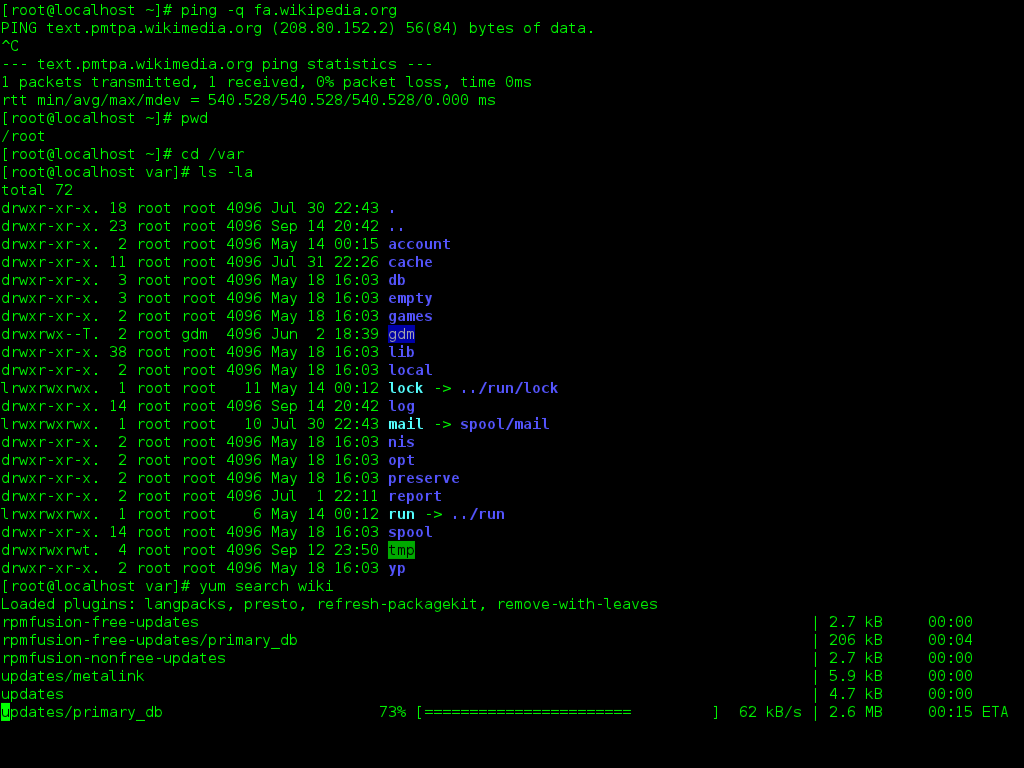
The real magic, however, is scripting. A shell script is simply a text file containing a series of commands. Instead of manually renaming 100 photos one by one, you could write a short script to do it for you in seconds. This ability to automate repetitive tasks is a cornerstone of modern computing.
By chaining together simple tools, you can build complex workflows to process data, manage servers, or deploy software. This foundational concept of using small, focused programs that work together is what gives the shell its enduring power.
Before you dive into writing complex scripts, it helps to review the core concepts we've covered.
What is the primary role of a shell in an operating system?
Which early Unix shell was particularly influential due to its introduction of powerful features for scripting?
This introduction to shells lays the groundwork for understanding specific implementations like Bash, which builds upon the legacy of these earlier tools.