Application Software Essentials
Introduction to Application Software
Software for the People
Think of your computer or phone as a workshop. The physical building, the workbenches, and the power tools are the hardware. The operating system, like Windows or iOS, is the workshop manager who keeps the lights on, manages the power grid, and ensures all the heavy machinery is running safely. But the manager doesn't actually build anything for you.
To do a specific job, like cutting a piece of wood or painting a sign, you need a specialized tool. In the world of computers, those specialized tools are called application software. They're the programs you interact with directly to get things done.
Application Software
noun
A type of computer program that performs a specific personal, educational, or business function. It allows users to complete tasks, create content, and communicate.
Often called an "app," this is the software you choose to use. Whether you're drafting an email, editing a photo, browsing the internet, or playing a game, you're using an application. Each app is designed with a particular purpose in mind, giving you the power to turn your computer from a general-purpose machine into a specific tool for the task at hand.
The Two Kinds of Software
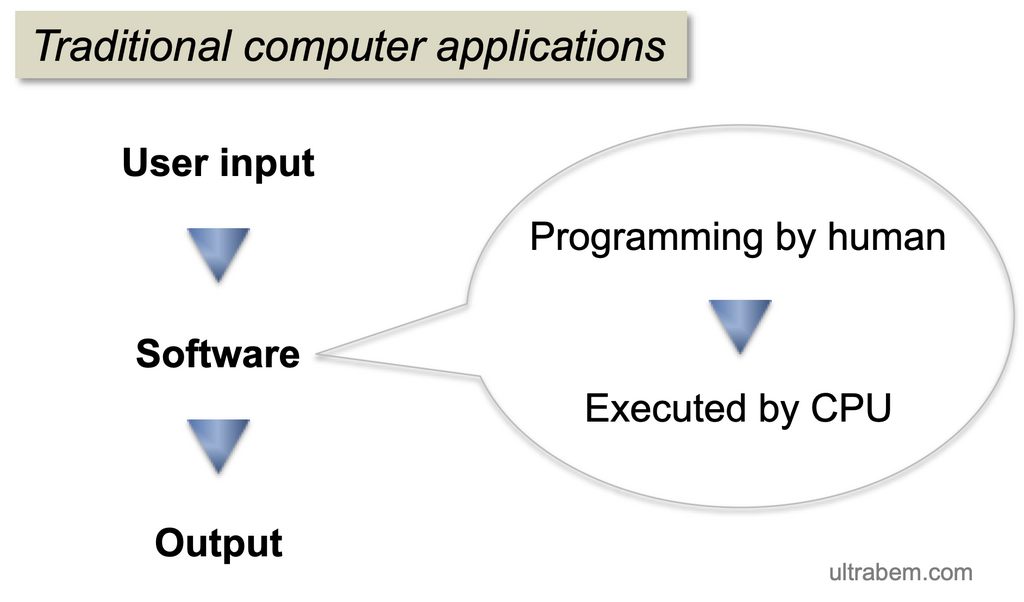
It's crucial to understand that not all software is application software. The other major category is system software. This is the foundational software that manages computer hardware and provides the platform for applications to run. Your operating system (OS) is the most important piece of system software.
System software works in the background. You don't directly use it to write a novel or calculate a budget. Instead, it manages memory, processes, and all the computer's hardware. Application software, on the other hand, runs on top of the system software. When you double-click an app icon, you're telling the operating system to run that specific program.
System software is for the computer. Application software is for the user.
This separation is efficient. App developers don't need to know how to control your specific model of printer or manage your computer's memory. They just create an app that tells the operating system, "Hey, I need to print this document," and the OS handles the rest. This lets developers focus on making great applications.
| Feature | System Software | Application Software |
|---|---|---|
| Purpose | Manages computer hardware and resources. | Performs specific tasks for the user. |
| User Interaction | Mostly indirect; runs in the background. | Direct; the user actively engages with it. |
| Dependency | Can run independently of application software. | Requires system software (an OS) to run. |
| Examples | Windows, macOS, Linux, device drivers. | Web browsers, word processors, games. |
A Tour of Common Apps
Application software comes in countless varieties, tailored for nearly every imaginable task. Most can be grouped into a few broad categories.
Productivity Software: This is the workhorse category. These apps help you create things like documents, spreadsheets, and presentations. Microsoft Office (Word, Excel, PowerPoint) and Google Workspace (Docs, Sheets, Slides) are classic examples.
Multimedia Software: Anything that lets you create or experience media falls into this group. This includes photo editors like Adobe Photoshop, video players like VLC Media Player, and music apps like Spotify.
Communication Software: These apps connect you with other people. Web browsers (Chrome, Firefox), email clients (Outlook, Gmail), and messaging apps (WhatsApp, Signal) are all types of communication software.
Educational Software: From language learning apps to complex simulation programs, educational software is designed to teach. Many online courses and tutoring platforms are delivered through specialized educational apps.
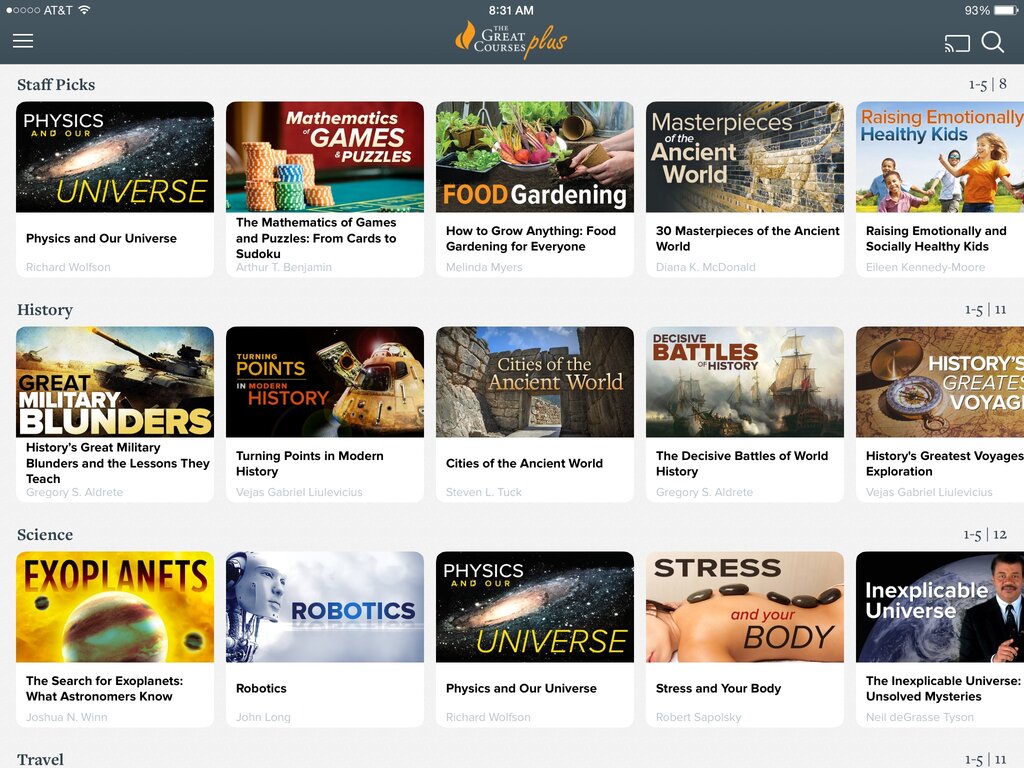
This is just a small sample. There are also apps for gaming, web development, financial management, scientific research, and thousands of other purposes. If there's a task you want to do with a computer, there's a good chance an application has been built for it.
What is the primary purpose of application software?
In the workshop analogy, the Operating System (like Windows or iOS) is compared to the...
Understanding the role of application software is the first step in mastering how to use your computer effectively. It's the part of the system you'll interact with every day.