Angular Framework Essentials
Introduction to Angular
What Is Angular?
Angular is a powerful framework for building web applications. Developed and maintained by Google, it uses TypeScript, a superset of JavaScript, to help create dynamic and scalable single-page applications (SPAs). SPAs are web apps that load a single HTML page and dynamically update content as the user interacts with it, offering a fluid, desktop-like experience.
You might have heard of AngularJS. That was the first version. The Angular we use today (version 2 and beyond) is a complete rewrite and a very different beast. The two are not compatible.
Think of it like this: AngularJS is Internet Explorer. Angular is Chrome. Same company, totally different products.
This modern version of Angular was built from the ground up for speed, efficiency, and to meet the demands of today's complex applications.
Core Features
Angular's power comes from a few key concepts that make development organized and efficient. Understanding them is key to understanding Angular itself.
Component-Based Architecture
Imagine building a user interface with LEGO bricks. Each brick is a self-contained unit that you can reuse and combine with other bricks to build something complex. In Angular, these bricks are called components.
Components are the building blocks of an Angular application.
A component controls a patch of the screen called a view. For example, you could have a navigation bar component, a user profile component, and a post feed component. Each one manages its own HTML, styling, and logic. This approach makes your application easier to build, test, and maintain because you can work on small, independent pieces one at a time.
Two-Way Data Binding
This is a feature that simplifies how you handle user input. Two-way data binding creates an automatic link between your application's data (the model) and what the user sees on the screen (the view).
When the data changes, the view updates instantly. When the user changes something in the view (like typing in a form), the data updates automatically. There's no need to write extra code to keep them in sync.
Dependency Injection
Dependency Injection (DI) is a design pattern that helps make your code more modular and flexible. Instead of a component creating its own dependencies (like a service to fetch data from a server), Angular's framework injects them when the component is created.
Think of it like a chef in a well-organized kitchen. The chef doesn't run to the pantry for every ingredient. Instead, a kitchen assistant brings the pre-measured ingredients (the dependencies) to the chef's station. This allows the chef to focus on cooking (the component's logic) and makes it easy to swap ingredients if needed, for instance, during testing.
What You Need to Know
Before diving into Angular, it's essential to have a solid foundation in the core technologies of the web.
Before diving into complex JavaScript frameworks and libraries like React or Angular, ensure you have a strong grasp of core JavaScript concepts such as variables, data types, loops, functions, objects, and tree structures like DOM.
You don't need to be an expert, but you should be comfortable with:
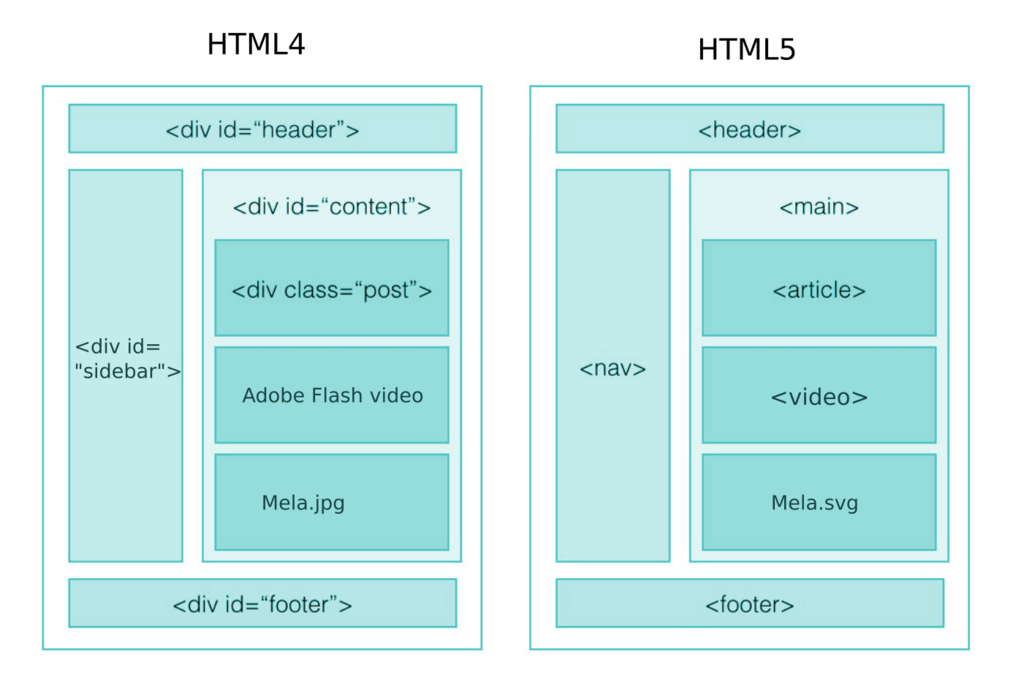
- HTML: The structure of web pages.
- CSS: Styling your web pages.
- JavaScript: The programming language that powers interactivity in the browser.
Angular builds upon these technologies, so a good understanding will make your learning journey much smoother.
What is the primary purpose of the Angular framework?
In Angular, what concept is analogous to LEGO bricks, acting as reusable, self-contained units that control a piece of the user interface?
With these fundamentals in place, you're ready to explore how Angular uses them to build powerful, modern applications.